Kill-switch runbook
Stop one identity or stand down every session, and confirm the stop landed.
- Who
- You, as the admin, or a delegated admin who holds the identity and sessions areas
- Where
- The console or a terminal with strazactl, and the agent's machine for the check
- Profile
- Standalone and enterprise
On this page
Stop one identity, one machine or every agent session during an incident, and confirm that the stop landed. Keep this page open while you work. Three levers differ in reach:
| You want to | Pull this lever |
|---|---|
| Interrupt what agents do now and keep their access | Revoke sessions. The console’s Sessions page revokes many at once, and strazactl sessions revoke revokes one. |
| Keep an identity out until someone lets it back | Disable the user, or lock the user when your identity manager must not lift it. |
| Cut one machine and leave the person untouched | Revoke that device on the user’s sheet, or with strazactl devices revoke. |
Every lever writes the audit chain and reaches every server replica over the event bus. An enrolled machine learns of it within a second when its straza daemon holds the push lane, and otherwise at its next check-in, which is at most the session token lifetime of five minutes away. Lifetimes and timeouts lists every lifetime a revoke waits on.
See what is running
The examples stop the person
mara, enrolled on a machine that has started two harness sessions. Replacemarawith the identity you are stopping, and list its live sessions first, so that you can compare afterwards.- Sessions
- active
- User
- mara
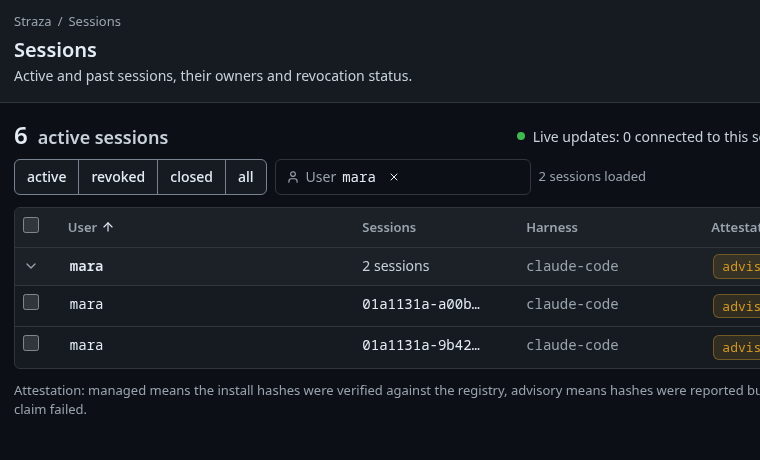
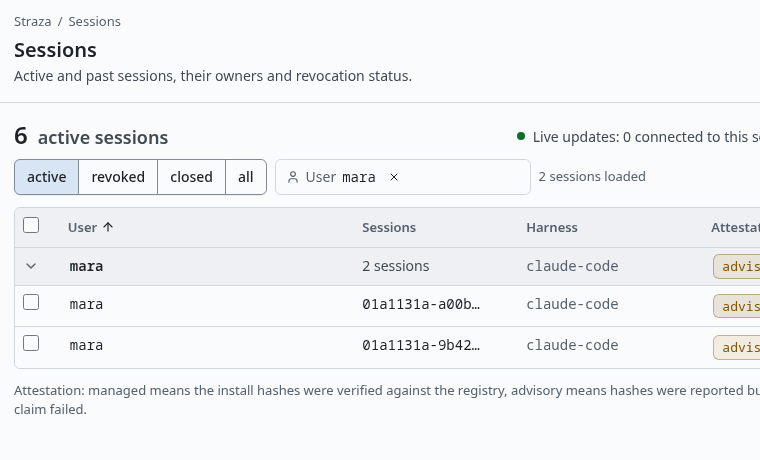
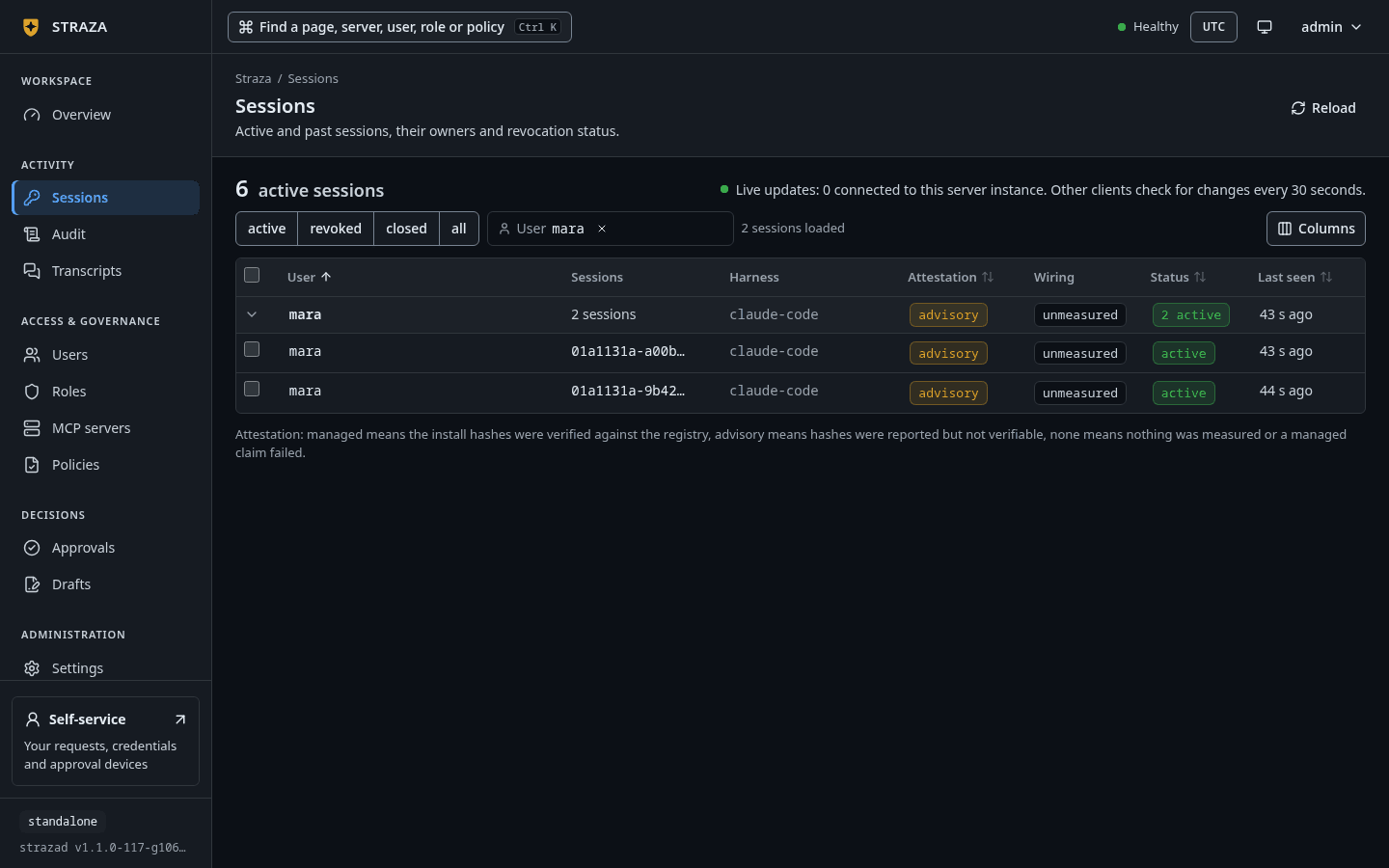
mara’s two active sessions, grouped under her name. Show the whole screen strazactl sessions list --status activeID USER HARNESS CLIENT ATTESTATION WIRING STATUS LAST SEEN 01a11329-67ad-7b95-9eda-43f6eec4fe45 mara claude-code v1.1.0-117-g106081a8 advisory unmeasured active 2026-10-06 21:40:43 01a11329-6654-78a3-9508-63868a613e56 mara claude-code v1.1.0-117-g106081a8 advisory unmeasured active 2026-10-06 21:40:42The listing is trimmed to her rows.
Stop one identity
Disabling sets the identity’s status to disabled, and the server cascades from there: it writes a revocation, revokes every active session, adds the identity to the in-memory denylist on every replica, pushes the revocation to the enrolled machines, and records one identity event on the audit chain.
- Users
- mara
- Disable user
- Disable user
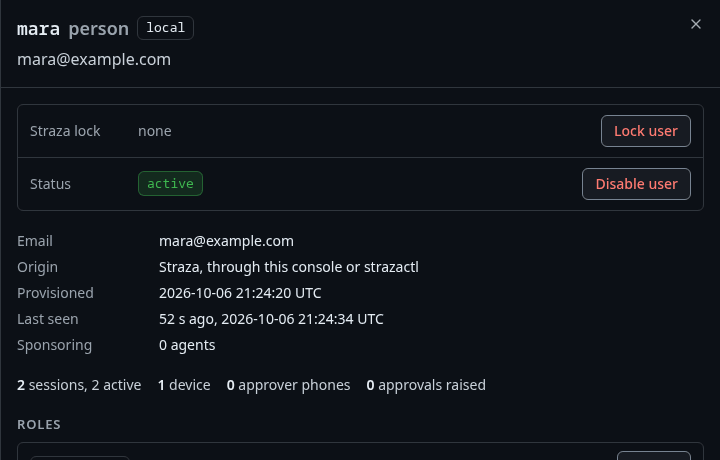
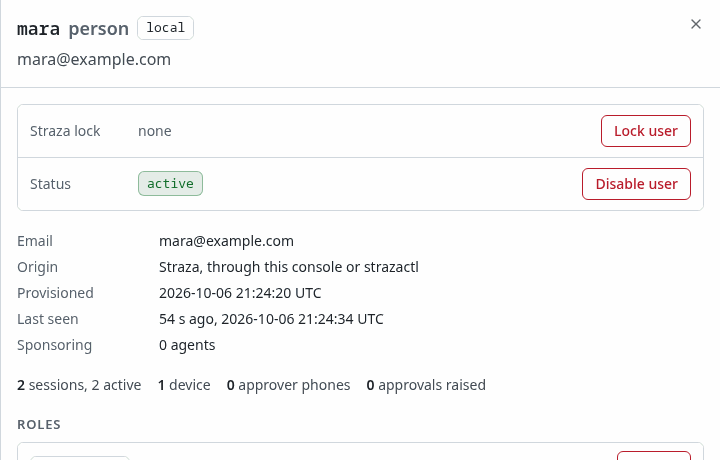
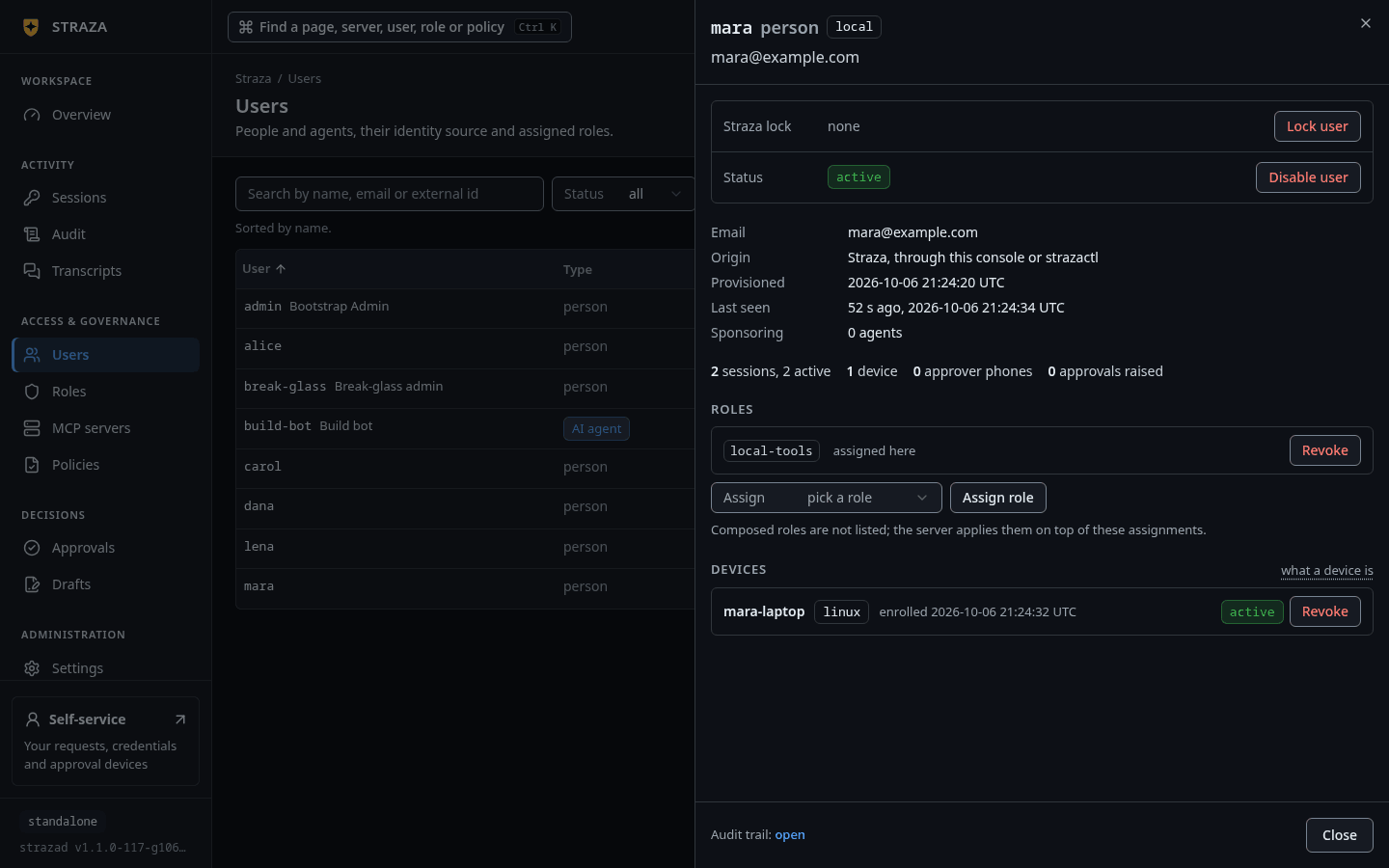
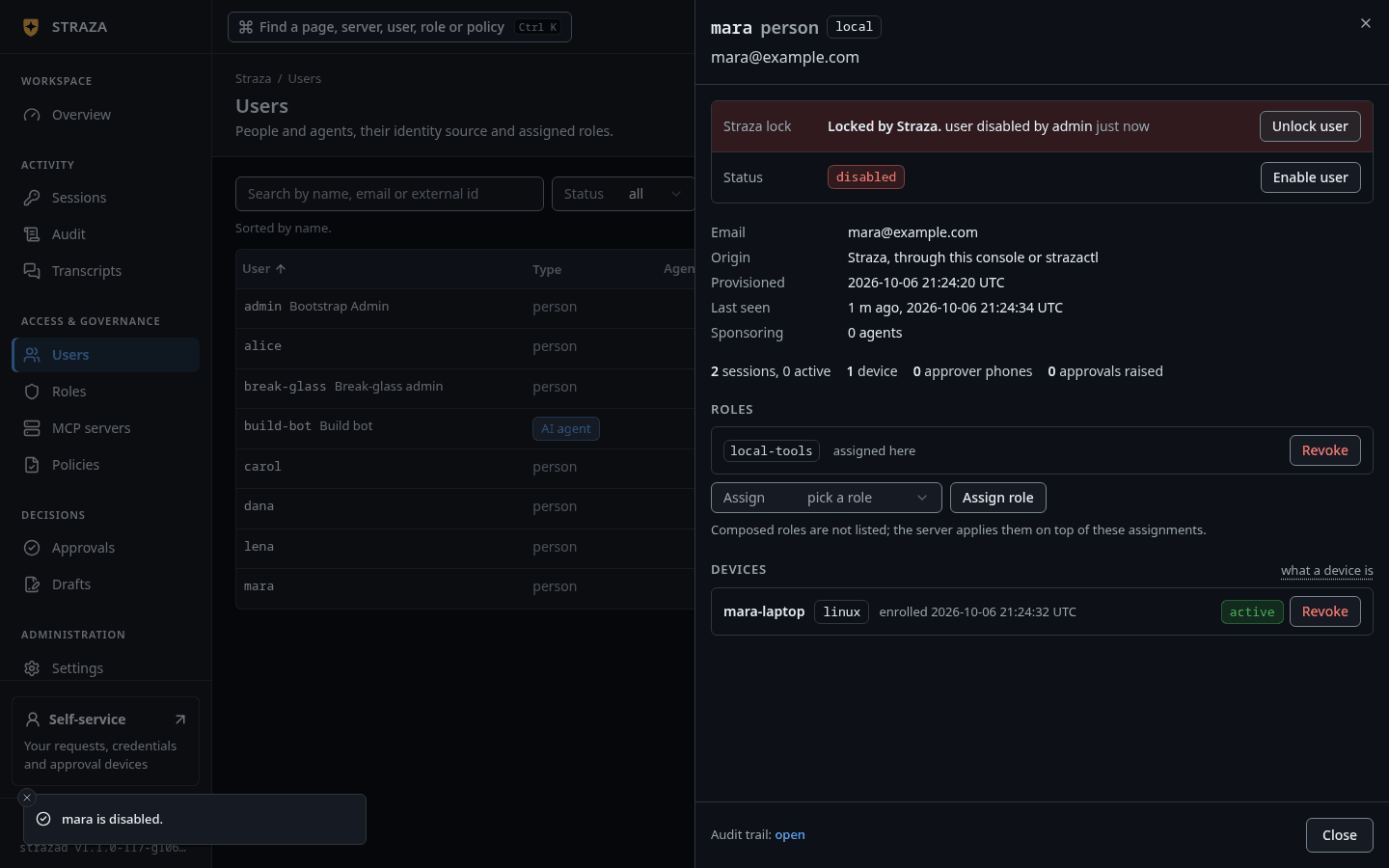
Disable user sits on the Status row of mara’s sheet, under Lock user. Show the whole screen 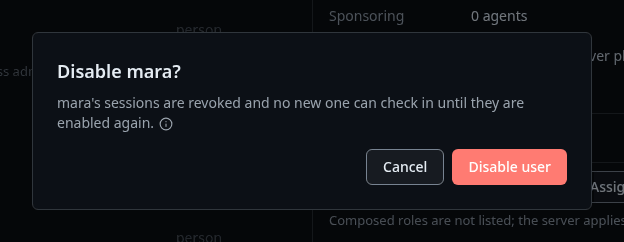
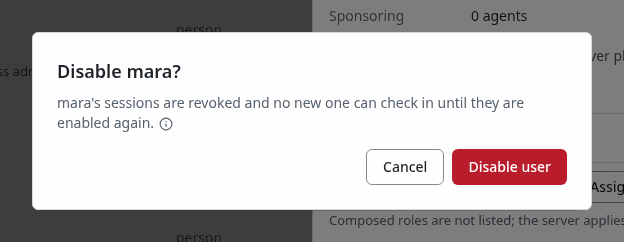
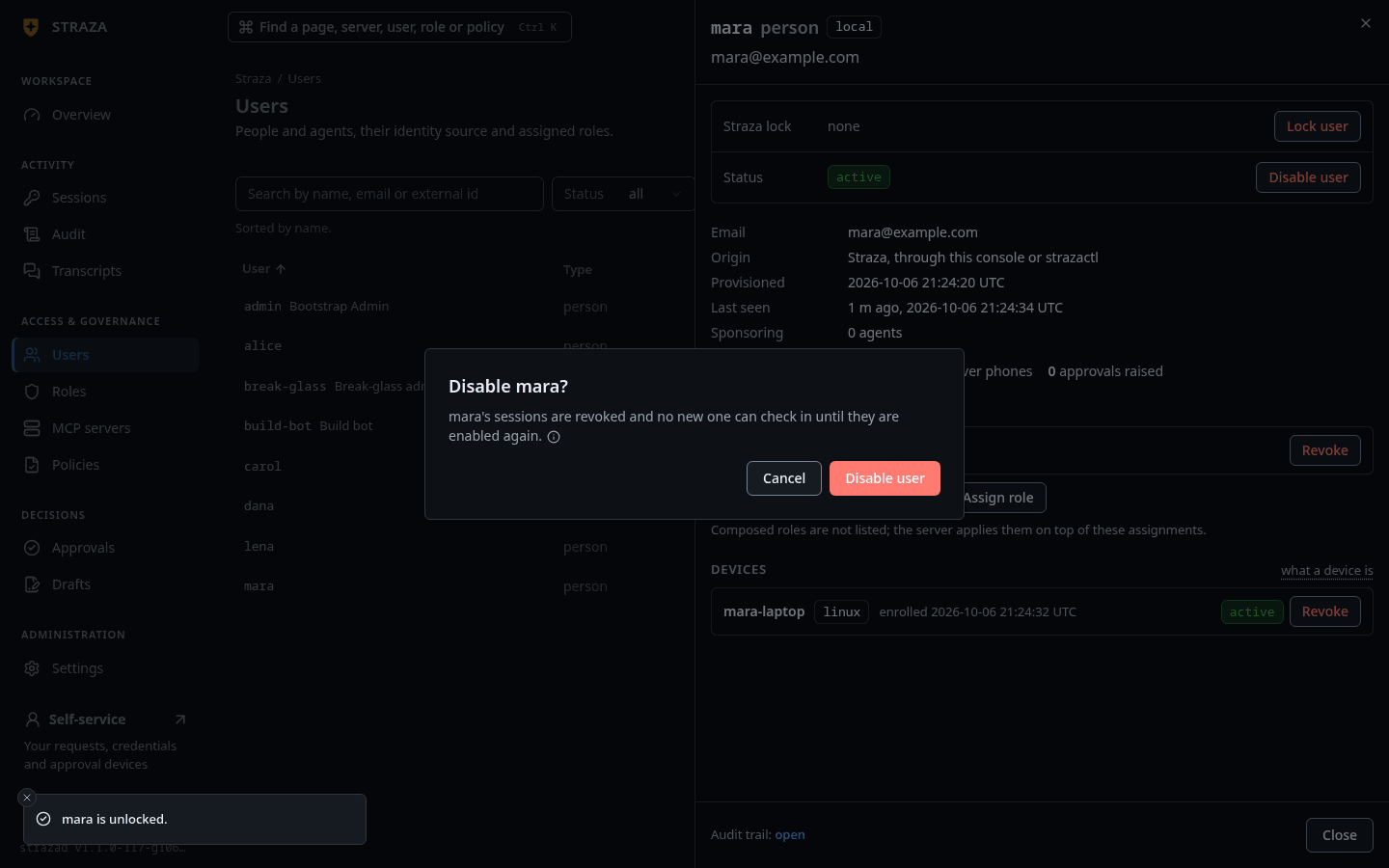
The dialog says what a disable stops before you confirm it. Show the whole screen You should see
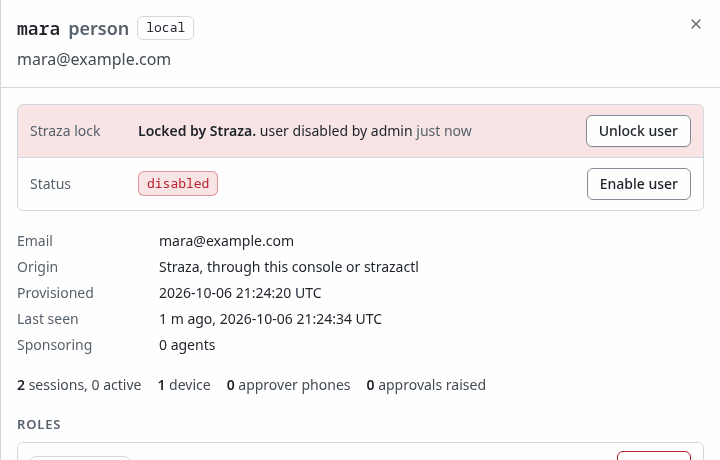
The Status row of mara’s sheet reads
disabled, and its button now says Enable user. The Straza lock row above it lists the revocation the disable wrote, with the reasonuser disabled by admin.strazactl users disable maradisabled mara. Sessions revoked, lift with `strazactl users enable mara`On a machine where
straza daemonruns, the next hook call denies, and the daemon logs the revocation and exits. A hook payload sent by hand on that machine shows the answer the harness gets:printf %s '{"hook_event_name":"PreToolUse","tool_name":"Bash","tool_input":{"command":"git status"}}' | straza hook --harness claude-code{"hookSpecificOutput":{"hookEventName":"PreToolUse","permissionDecision":"deny","permissionDecisionReason":"Straza: session revoked (kill-switch push from the server). Tool calls stay denied until a new session starts and checks in again. If only this session was revoked, that check-in starts a new session. If the device or user was disabled, the check-in is refused until an administrator re-enables it. Inform the user and stop."}} Straza: session revoked (kill-switch push from the server). Tool calls stay denied until a new session starts and checks in again. If only this session was revoked, that check-in starts a new session. If the device or user was disabled, the check-in is refused until an administrator re-enables it. Inform the user and stop.daemon: edge push subscribing; poll-refresh remains the backstop daemon: kill-switch push active (gateway edge) daemon: revocation received. Session state dropped, hooks now denyWithout the daemon, the hook keeps deciding from its cached state until its session token runs out, at most five minutes, and then denies with the server’s refusal. That holds in both profiles, for a person and for a headless AI agent alike, because a renewal the server refused ends the offline grace at once.
{"hookSpecificOutput":{"hookEventName":"PreToolUse","permissionDecision":"deny","permissionDecisionReason":"Straza: session renewal was refused: this device or user has been revoked. Contact your administrator"}}
Straza: session renewal was refused: this device or user has been revoked. Contact your administrator
Budget for five minutes on machines that do not run the daemon. Treat a hook that keeps allowing past that as a machine whose renewals do not reach strazad.
When a standalone hook can keep allowing for twenty minutes
The standalone profile’s offline grace of fifteen minutes applies only when the renewal cannot learn the server’s judgment:
- strazad cannot be reached, or answers with a server error.
- Something in front of strazad answers a timeout, a rate limit, or a status other than 401 or 403 with no reason.
- The check-in through the enrolled identity cannot complete on this machine.
Then the hook can keep allowing for the five minutes of its token plus the fifteen of the grace. Lifetimes and timeouts lists both.
Confirm it landed
The audit chain holds one identity event per kill, with the reason, the origin that pulled the lever, and the number of sessions it revoked.
- Users
- mara
- Audit trail: open
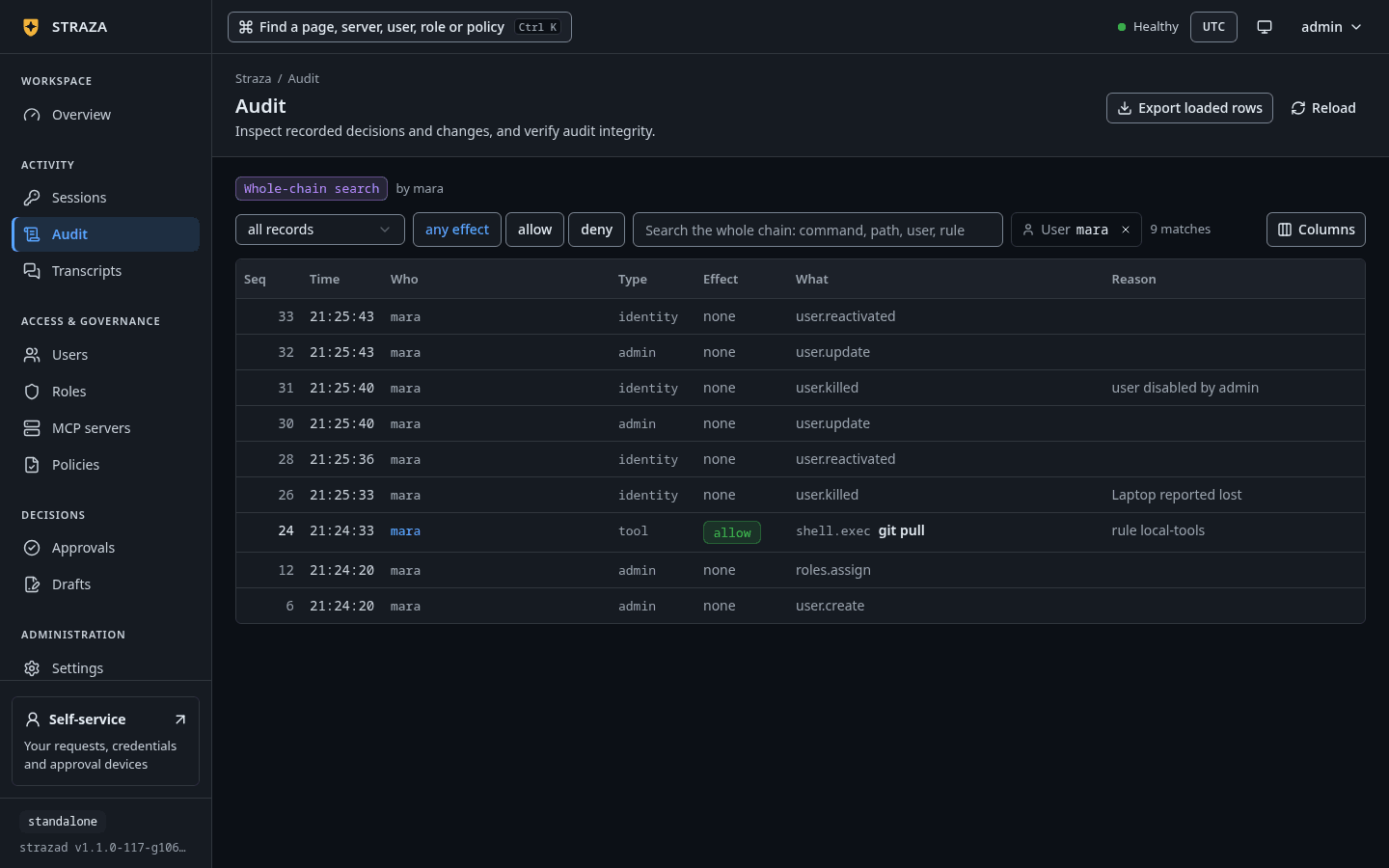
Audit opens on mara’s records, and the newest is the
identityrecorduser.killed. Open it, and The record as stored shows the whole event, with the reason and the count of revoked sessions.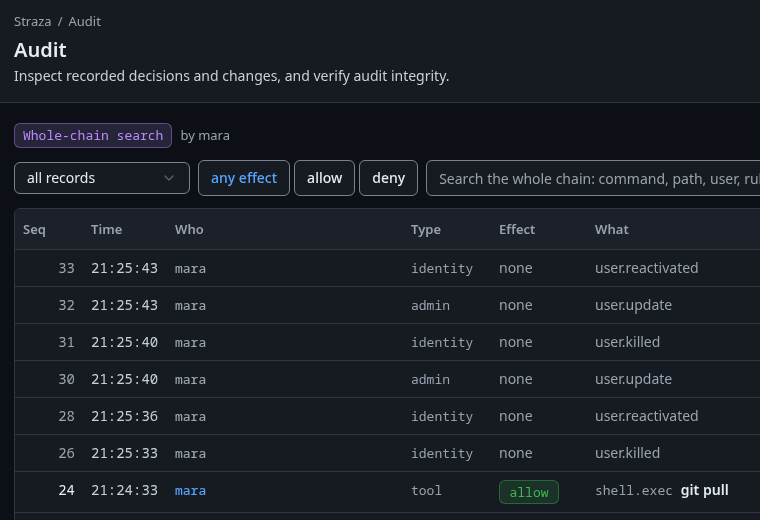
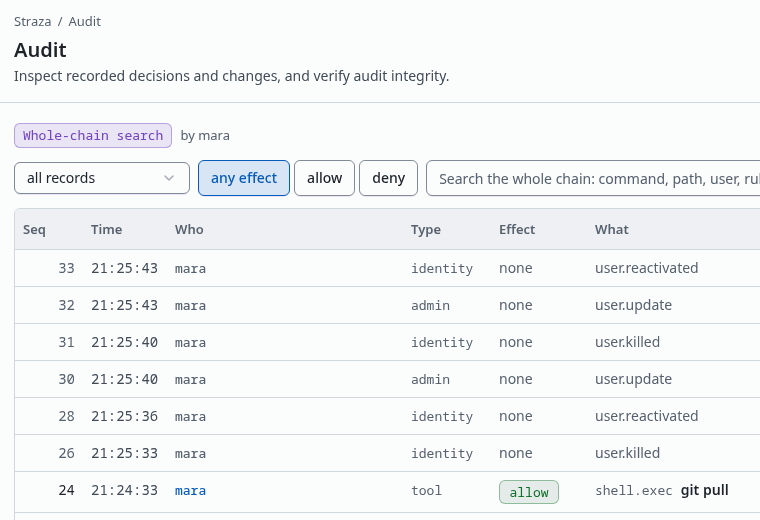
mara’s records, opened from her sheet. Each disable writes user.killed, and each enableuser.reactivated. Show the whole screenThen open Sessions, press revoked, and pick mara under User. Her two sessions are listed there now.
strazactl audit tail --user mara --limit 3#8 [mara] {"data":{"action":"user.killed","origin":"admin","reason":"user disabled by admin","sessionsRevoked":2,"user":"01a11328-ee86-70d6-810e-e66e2cd0af2c"},"id":"00f1012a-34cd-4873-aadf-604d40e14253","source":"strazad/a0e92d61-8d18-46e7-92b0-9d7aa29edf48","specversion":"1.0","time":"2026-10-06T21:40:54.162673602Z","type":"straza.audit.identity"}This tail is trimmed to the identity event. The two sessions now read
revoked:strazactl sessions list | grep mara01a11329-67ad-7b95-9eda-43f6eec4fe45 mara claude-code v1.1.0-117-g106081a8 advisory unmeasured revoked 2026-10-06 21:40:43 01a11329-6654-78a3-9508-63868a613e56 mara claude-code v1.1.0-117-g106081a8 advisory unmeasured revoked 2026-10-06 21:40:42The listing is trimmed to those two sessions.
A SIEM fed by a sink holds the same event under the same id, and Sinks and SIEM shows how to find it there. A revoked identity that still reaches the server with an old token is denied rather than errored, and that denial is audited as well, with the rule id
revoked. For a revoked user or device the reason isStraza: this device or user has been revoked. Contact your administrator. When only the session was revoked, the reason names the way back instead:Straza: this session has been revoked. Start a new session: its check-in uses this device's existing enrollment, so re-enrolling is not needed.
Revoke the sessions and keep the identity
To interrupt every session of one identity without locking it out, revoke its sessions instead of disabling it. A session revoke is a stand-down: the enrolled machine holds a device credential that starts a new session at its next check-in.
On Sessions, keep active and mara under User, tick the box in the table’s header, and press the revoke button, which names the count.
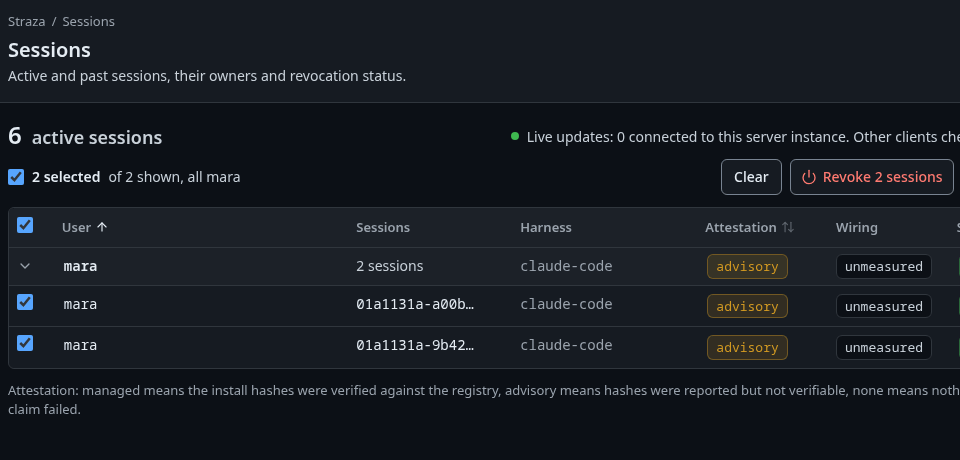
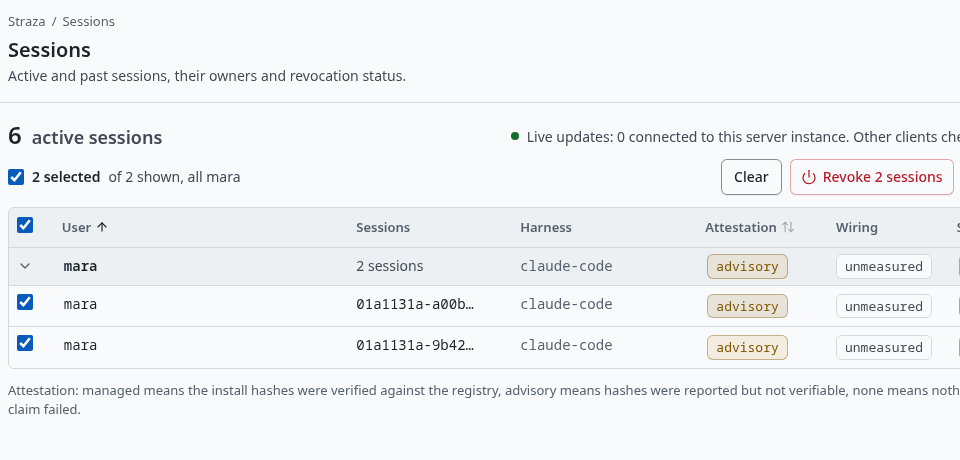
- Revoke 2 sessions
- Revoke 2 sessions
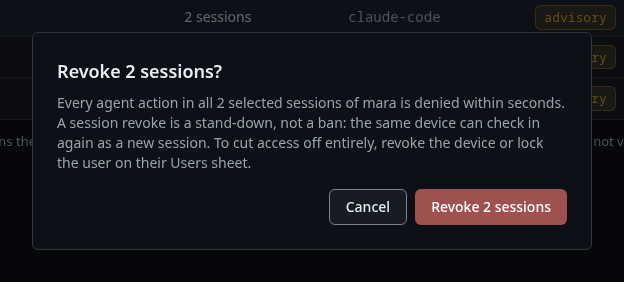
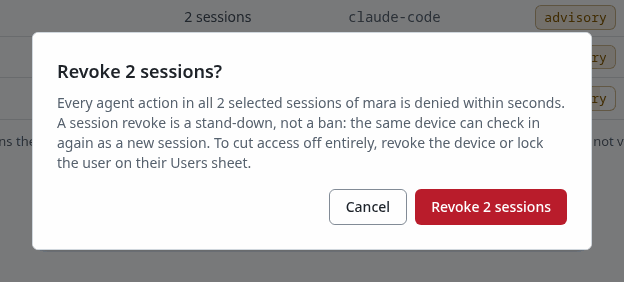
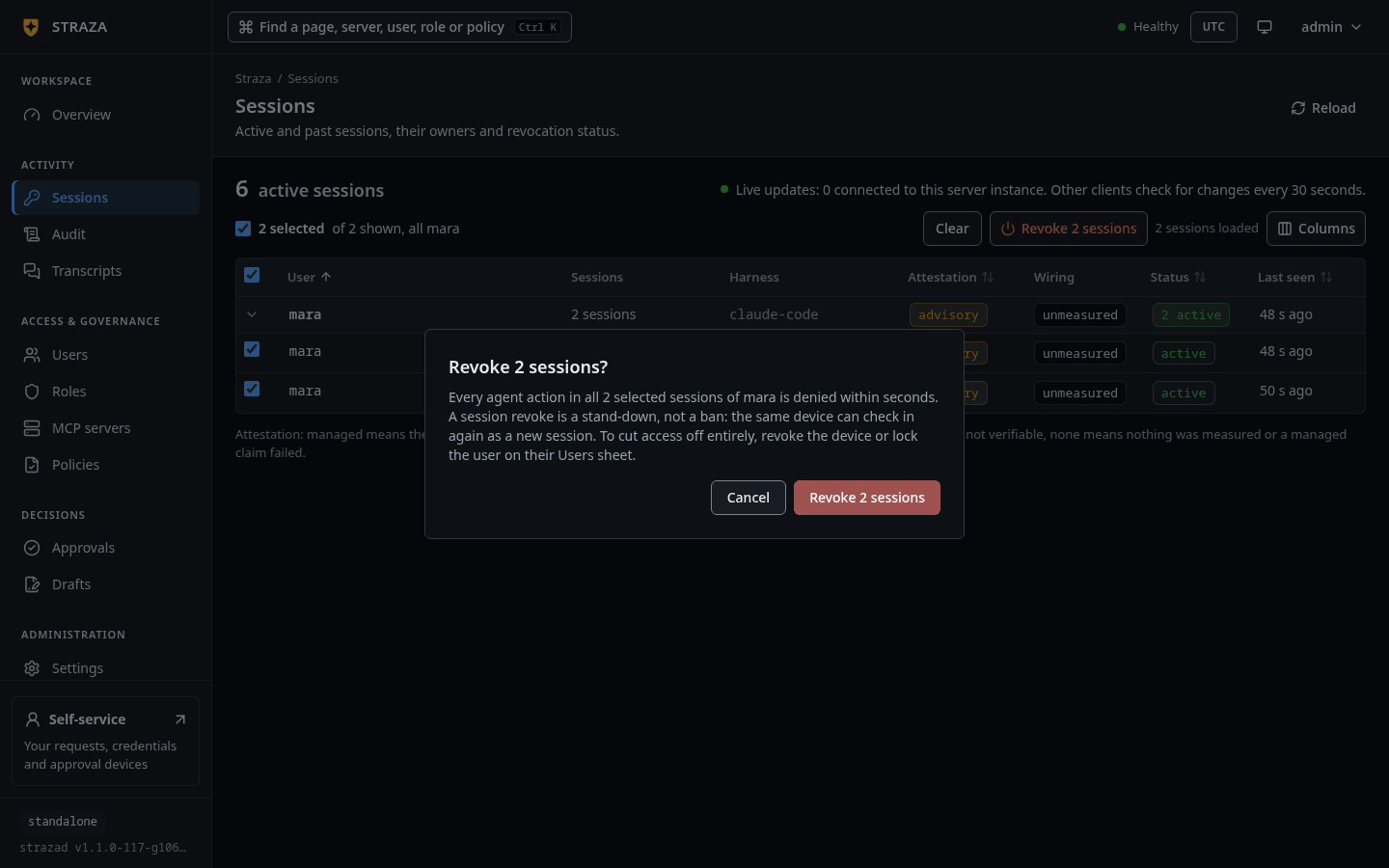
You should see
The console says 2 sessions revoked., and mara’s rows leave the active list.
strazactl sessions revoke takes one session id. For every session of one identity, use the admin API: POST /v1/admin/sessions/revoke takes either a list of up to 1000 session ids or one username, which the server expands to every active session of that identity, and it emits one control event for the set instead of one per session. ADMIN_API_TOKEN holds the token that Use the admin API mints.
curl -s -X POST -H "Authorization: Bearer $ADMIN_API_TOKEN" -H 'Content-Type: application/json' \
http://localhost:8420/v1/admin/sessions/revoke -d '{"user":"mara","reason":"stand down every session of this identity"}'{"revoked":1}Cut one machine
To cut one machine and leave the person and their other machines alone, revoke that device.
On mara’s sheet, find the device under Devices. Each row names the device, its platform and when it enrolled. Press Revoke on the row you mean, then confirm.
- Users
- mara
- Revoke
- Revoke device
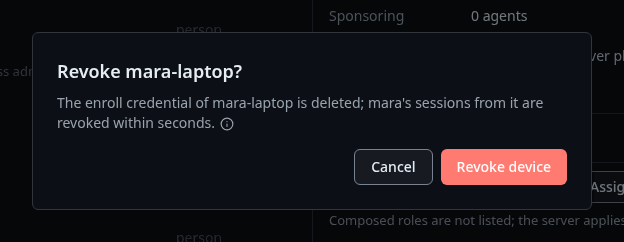
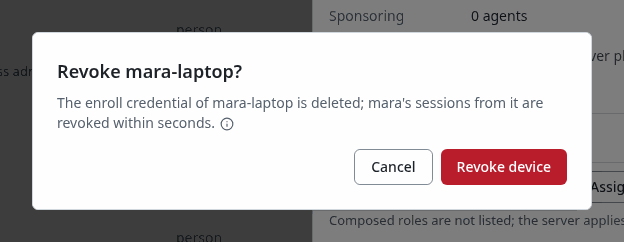
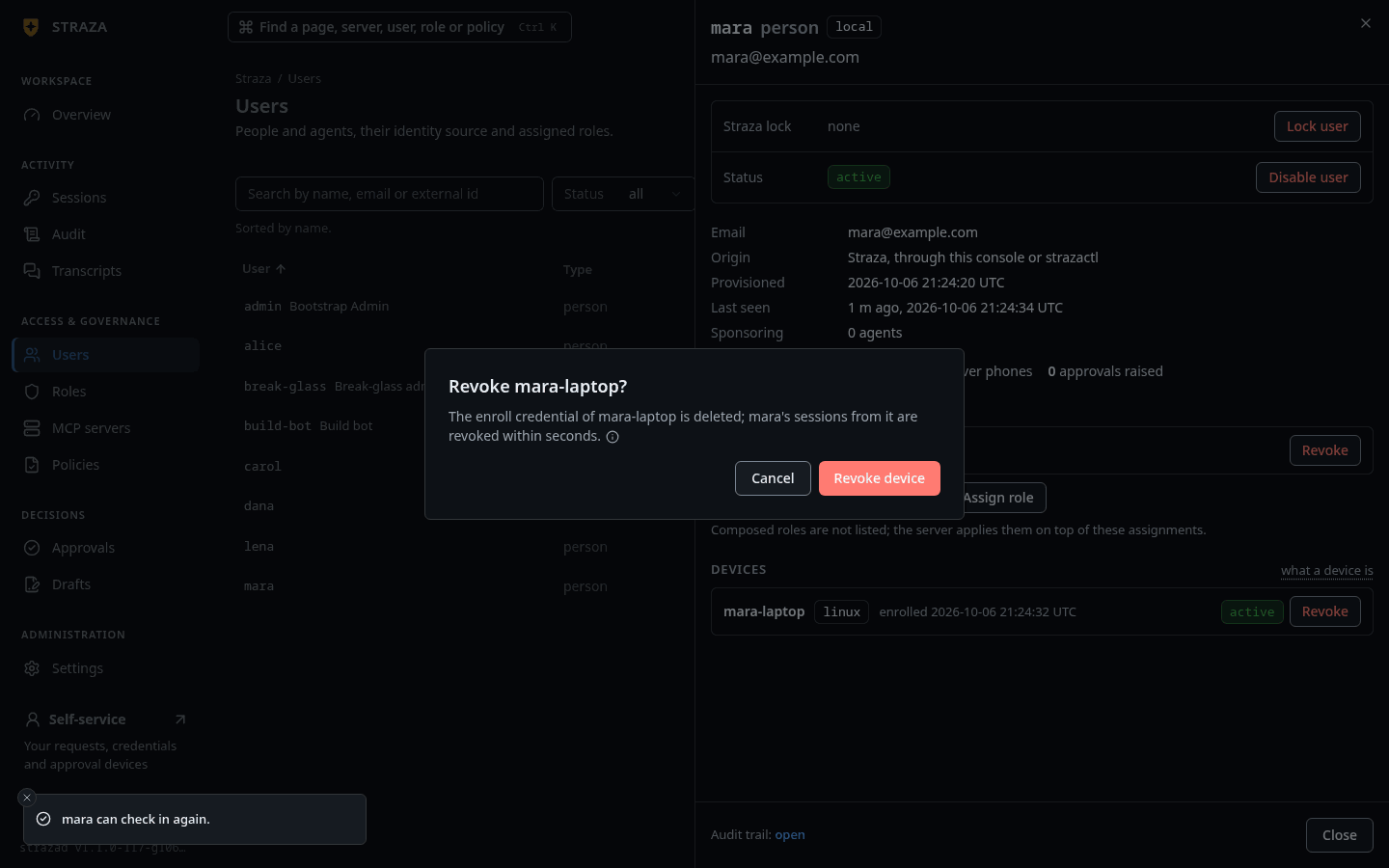
List the person’s devices, then revoke the one you mean by the id in the first column:
strazactl devices list mara
strazactl devices revoke mara DEVICE-ID
ID NAME PLATFORM STATUS ENROLLED
01a11329-4ee8-7217-88b2-4dca17bf54d2 workstation linux active 2026-10-06 21:40:36revoked device 01a11329-4ee8-7217-88b2-4dca17bf54d2 of mara: its device credential is dead; re-enrolling needs a fresh loginThe device credential can no longer start a session, sessions bound to that device stop refreshing, and a running straza daemon there is stood down by push. The person brings the machine back with a new straza enroll and a fresh sign-in.
Stop every agent
No single switch ends every session, so a fleet-wide stop is one of two motions. The first stands every agent down while the identities stay valid for later.
- Sessions
- active
Leave User empty, tick the box in the table’s header, press the revoke button, and confirm. The box ticks the rows the page has loaded, so on a large fleet press Load more first, or repeat until the active list is empty. Your own console session is among the rows, and the dialog warns This includes the console's own session, so you will be signed out. Untick your row first to stay signed in.
List the active sessions and post their ids to the bulk route, at most 1000 per request. You need jq and the token that Use the admin API mints.
curl -s -H "Authorization: Bearer $ADMIN_API_TOKEN" 'http://localhost:8420/v1/admin/sessions?status=active' \
  | jq -c '[.[].id] | range(0; length; 1000) as $i | {sessions: .[$i:$i+1000], reason: "fleet stand-down"}' \
  | while read -r body; do
      curl -s -X POST -H "Authorization: Bearer $ADMIN_API_TOKEN" -H 'Content-Type: application/json' \
        http://localhost:8420/v1/admin/sessions/revoke -d "$body"; echo
done{"revoked":2}Each request answers a JSON object whose revoked field counts the sessions it ended. Here it ended two: the session of mara’s machine and the administrator’s own strazactl session, which starts a new one at its next command. Run the first curl again to confirm: it answers [] when no session is active.
The second motion is to stop strazad itself. In the enterprise profile the offline grace is zero, so every hook denies as soon as its session token expires and needs the server, and every gateway call fails at once. The standalone profile keeps deciding from the cached snapshot for fifteen minutes after the token expires, which is why stopping the server is a slower lever there.
Lock, and cut from the identity manager
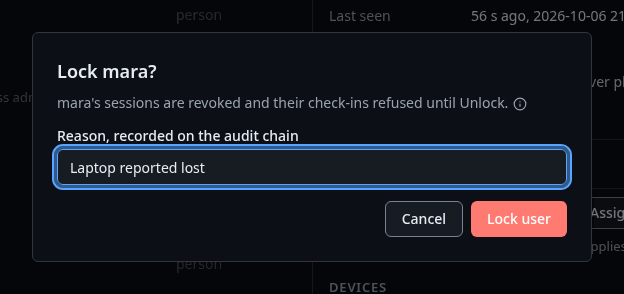
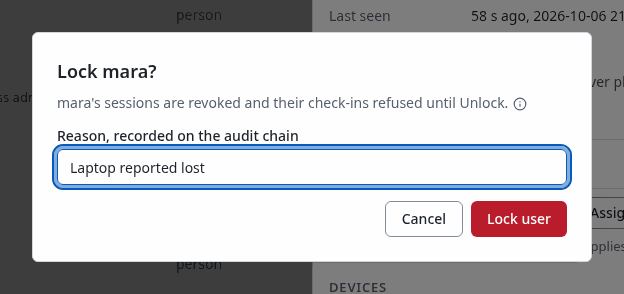
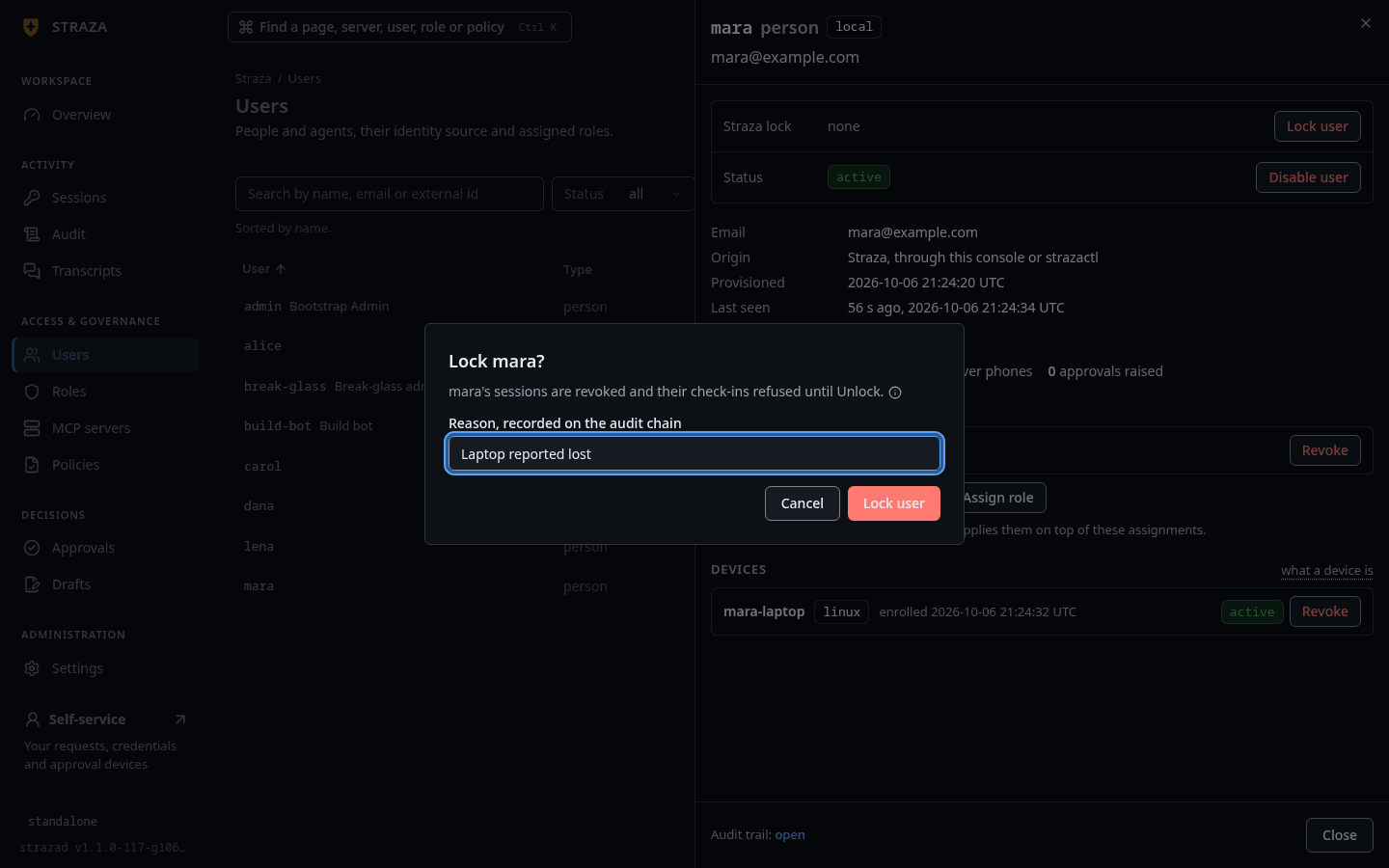
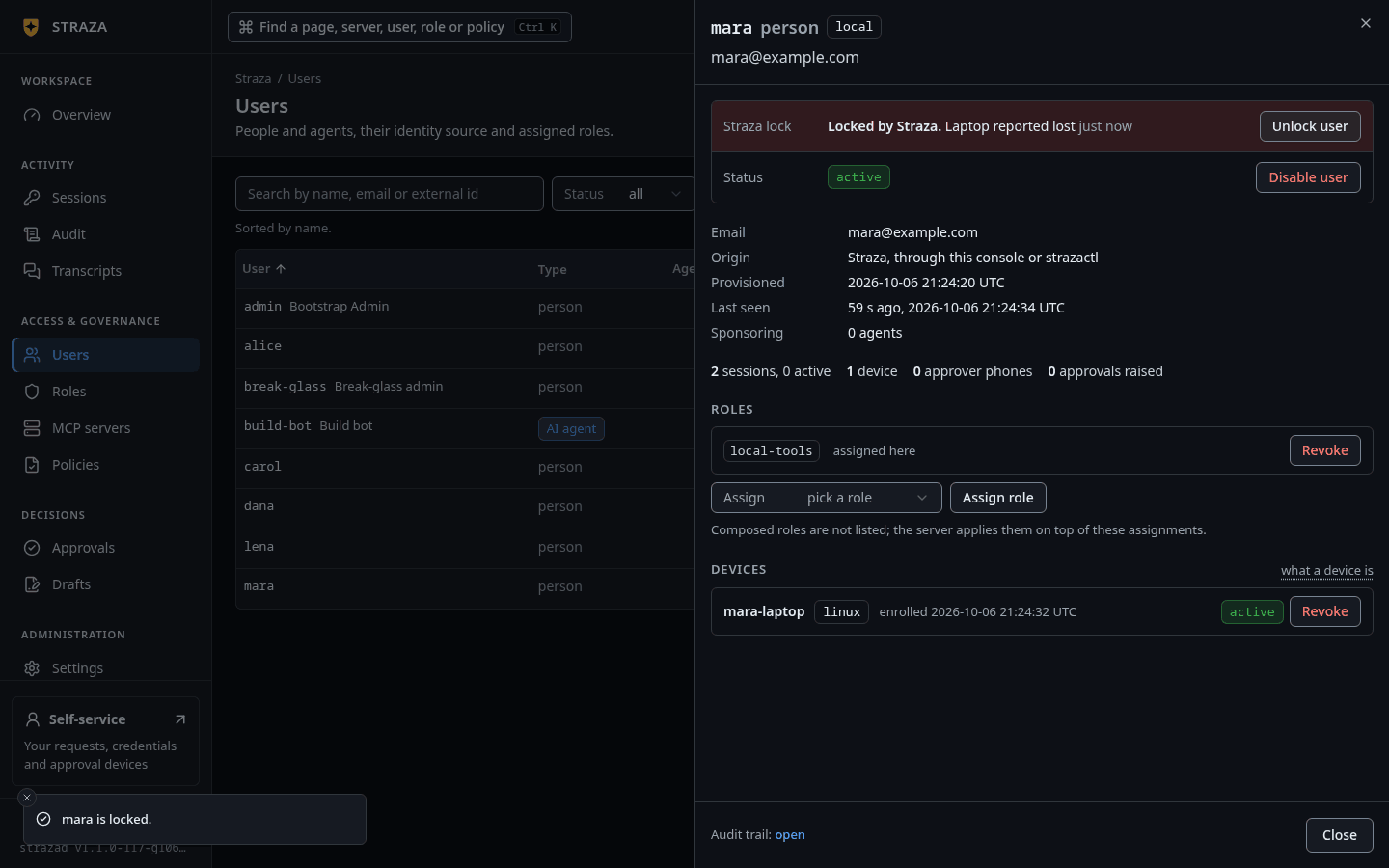
A lock runs the same cascade as a disable with one difference: it leaves the status field alone, so a later enable from your identity manager cannot lift it, and only Unlock user in the console or strazactl users unlock does. The reason is required and lands on the chain.
- Users
- mara
- Lock user
Type the reason in Reason, recorded on the audit chain and press Lock user.
You should see
The Straza lock row of mara’s sheet reads Locked by Straza. with your reason, beside Unlock user.
strazactl users lock mara --reason "suspected credential leak"locked mara. Sessions revoked; the identity manager sees it read-only, lift with `strazactl users unlock mara`--origin external marks a lock that a SOAR or SIEM automation applied. Only the CLI sets it, and the console’s lock records the admin origin.
A fresh sign-in at the identity provider does not get a locked person back in. Enroll, session start, the approval routes and the admin plane all answer 403, and each refusal is a login failure on the chain with the reason user is locked. That holds for a locked administrator too, who cannot lift their own lock.
If this fails
the user mara is locked, so this sign-in is refused. An administrator lifts the lock with strazactl users unlock mara.- The lock holds until an administrator who is not locked lifts it with Unlock user or
strazactl users unlock mara.
The leaver process itself belongs in the identity manager, where one disable deactivates the identity over SCIM and its login at the same time. The demo stack runs that route live on the seeded agent joe.
Use the admin API
Automation pulls the disable lever with one request. The status field of PATCH /v1/admin/users/{id} accepts active and disabled, and the transition from active to disabled runs the cascade above. The id is the one strazactl users list prints in its ID column. ADMIN_API_TOKEN holds an admin API token minted with strazactl api-token create --name docs --scope identity:write,sessions:read,sessions:write, and your own admin session token works in its place.
curl -s -X PATCH -H "Authorization: Bearer $ADMIN_API_TOKEN" -H 'Content-Type: application/json' \
  http://localhost:8420/v1/admin/users/01a11328-ee86-70d6-810e-e66e2cd0af2c -d '{"status":"disabled"}'
{"id":"01a11328-ee86-70d6-810e-e66e2cd0af2c","username":"mara","email":"mara@example.com","display":"Mara Novak","status":"disabled","origin":"local","kind":"human","created_at":"2026-10-06T21:40:12.038056Z","updated_at":"2026-10-06T21:43:07.793994Z"}Undo
Re-enabling lifts the denylist entry on every replica and records user.reactivated. Revoked sessions stay revoked, the device enrollment is untouched, and the machine’s next session start mints a fresh session.
- Users
- mara
- Enable user
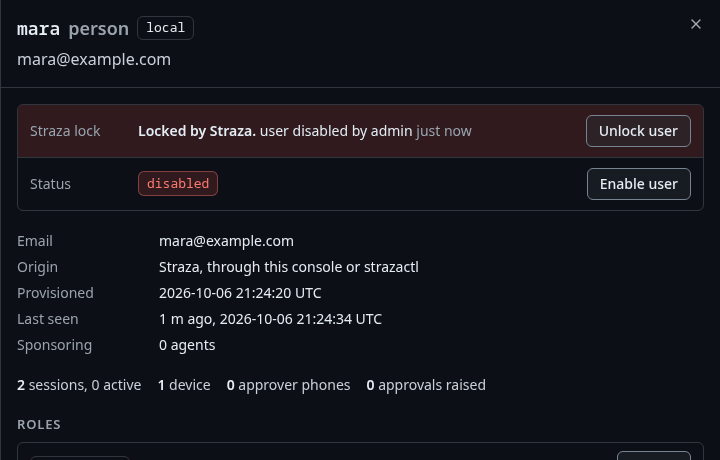
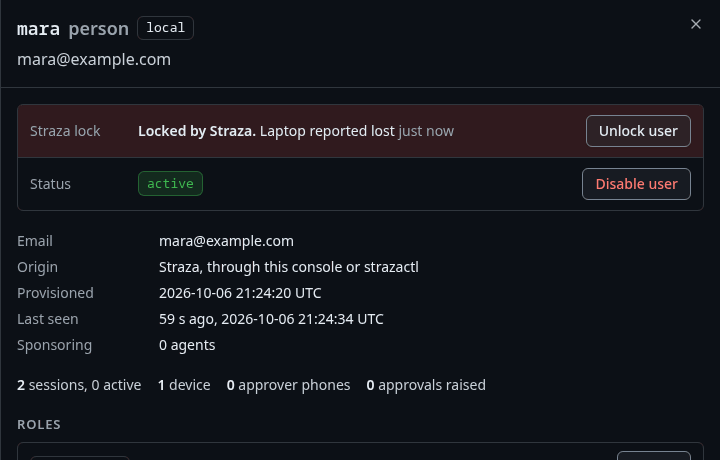
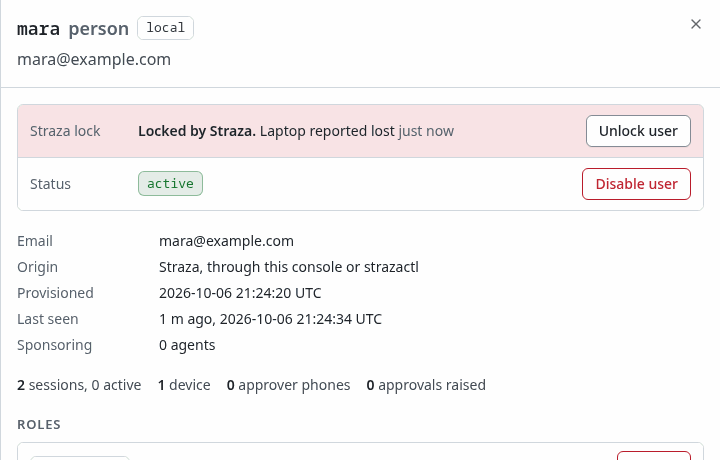
A locked user comes back with Unlock user on the same sheet.
strazactl users enable maraenabled mara. The status is active and the user's revocations are lifted. Sessions revoked earlier stay ended. A device the user enrolled starts a new session at its next check-in with no new enrollment, unless it was revoked on its own or its device credential expired meanwhile: such a device needs straza enroll againAutomation sends {"status":"active"} to the same admin route, which answers with the user record, its status now active:
curl -s -X PATCH -H "Authorization: Bearer $ADMIN_API_TOKEN" -H 'Content-Type: application/json' \
  http://localhost:8420/v1/admin/users/01a11328-ee86-70d6-810e-e66e2cd0af2c -d '{"status":"active"}'
{"id":"01a11328-ee86-70d6-810e-e66e2cd0af2c","username":"mara","email":"mara@example.com","display":"Mara Novak","status":"active","origin":"local","kind":"human","created_at":"2026-10-06T21:40:12.038056Z","updated_at":"2026-10-06T21:48:33.416917Z"}A locked identity comes back through strazactl users unlock.
A revoked device comes back only through a new straza enroll on that machine.
Walked on v1.1.0-117-g106081a8 on 2026-10-06. A throwaway standalone server in an Alpine 3.20 container on Linux, with mara's machine in a second container that ran two harness sessions through the Claude Code hook and straza daemon for the push half. Every strazactl and curl block ran, the admin's strazactl on an admin API token minted in the console and the curl blocks on the token the page mints. The lock was checked with a refused session start, enroll and strazactl login, and the path without the daemon with a hook that denied five minutes after its check-in. In headless Chromium the session revoke, disable, enable, lock, unlock and audit trail steps were clicked, and the device revoke and fleet stand-down were not. The identity manager route was not run. Console screenshots show strazad v1.1.0-117-g106081a8, standalone.