Keycloak login
strazad trusts your Keycloak realm, people sign in to Straza with their own Keycloak identity, and Straza never holds a password.
- Who
- You, as the Keycloak admin and the Straza admin
- Where
- The Keycloak admin console, strazad's configuration file, and a terminal with strazactl
- Profile
- Enterprise
On this page
You make Keycloak the login provider of an enterprise Straza, as the admin of both. You work in the Keycloak admin console, in strazad’s configuration file and in a terminal. At the end strazad trusts your realm, and you have signed in with your own Keycloak identity and seen the device that login enrolled.
In the enterprise profile a person signs in at Keycloak, and strazad verifies the ID token Keycloak minted against the realm’s published keys. Straza holds no password, so passwords, second factors and session policy belong to Keycloak. Who exists still belongs to your identity manager, because a verified token opens a door only for an account that provisioning created. Keycloak is the login factor and never the source of record.
Before you start
- Keycloak administration for one realm.
- A shell with
strazactl, and access to strazad’s configuration.
The examples ran against the demo stack. Its realm straza at http://localhost:8480 is imported from a file in the repository, so every setting below is the one that file carries.
Create the client
In your realm, create a client with the client id
strazaand these settings. The first four rows are what the demo stack’s realm ships.Setting Value Why Client authentication off the CLI device flow has no secret to keep Standard flow off no browser redirect flow is used OAuth 2.0 Device Authorization Grant on the flow strazactl loginandstraza enrollspeakWeb origins your strazad public URL the console runs the same flow from the browser Direct access grants off no Straza login uses a password grant The demo stack’s realm turns direct access grants on for its non-interactive seeder alone, and Straza itself never uses that grant. Keycloak signs with RS256 by default, and strazad accepts RS256, ES256 and EdDSA.
If this fails
identity provider ... does not advertise a device_authorization_endpoint. Enable the OAuth 2.0 device authorization grant for client "straza"strazactl loginstops with this sentence when the device grant is off. Turn on OAuth 2.0 Device Authorization Grant on the client.
Point strazad at the realm
The
oidcblock of strazad’s configuration names the issuer and the client id. The demo stack sets these values on the strazad container:oidc: issuer: http://localhost:8480/realms/straza discoveryUrl: http://keycloak:8080/realms/straza/.well-known/openid-configuration clientId: straza jitProvision: falseSTRAZA_OIDC_ISSUERandSTRAZA_OIDC_CLIENT_IDare the environment forms of the first and third keys.CLI onlyThe console’s Settings, tab Configuration, shows Identity provider and Sign-in creates users and changes neither. You set them in the file.
jitProvisionstaysfalsein enterprise, because provisioning decides who exists. A person Keycloak knows and the identity manager has not provisioned is refused at login with the reason “identity not provisioned”. Standalone and enterprise compared shows the default of each profile.strazad runs OIDC discovery against the issuer at boot and refuses to start when the issuer is unreachable. Refusing to start is safer than serving logins it cannot verify.
Set
oidc.discoveryUrl, orSTRAZA_OIDC_DISCOVERY_URL, when strazad cannot reach the issuer’s own address. The demo stack needs it, because strazad runs in a container and reaches Keycloak by the internal namekeycloak. The document fetched there must nameoidc.issuerexactly, byte for byte, or strazad refuses to boot, and every token must still carry that issuer. Left empty, the default, strazad fetches the document at the issuer.A fresh enterprise deployment has no administrator.
oidc.bootstrapAdminnames one Keycloak username whose first verified login is provisioned despitejitProvision: falseand assignedstraza-admin. It works only while nostraza-adminassignment exists, so the setting goes inert as soon as your identity manager manages that role. Remove the line after the bootstrap. The demo stack points it at a transientseed-bootstrapuser, which its seeder locks once the admin the identity manager assigned has landed.
How a token finds its account
strazad maps a verified ID token to a local account in this order:
- The token’s
subis matched against the account’sexternalId. - If nothing matches,
preferred_usernameis matched against the account’suserName. A match fills inexternalIdwith thissub, which links the account once. A username already bound to a different subject is refused with “username … is bound to another identity” and is never taken over. - If nothing matches and JIT is off, the login is refused.
Keep Keycloak usernames equal to the userName your identity manager provisions, and midPoint keeps them equal when it masters both sides. If your identity manager sends externalId, it must be the Keycloak subject. Otherwise leave it out, and the first login links the account.
Sign in
Clients never hardcode the identity provider. They ask strazad where to sign in, read the realm’s discovery document, and run the device flow.
Open your strazad address followed by
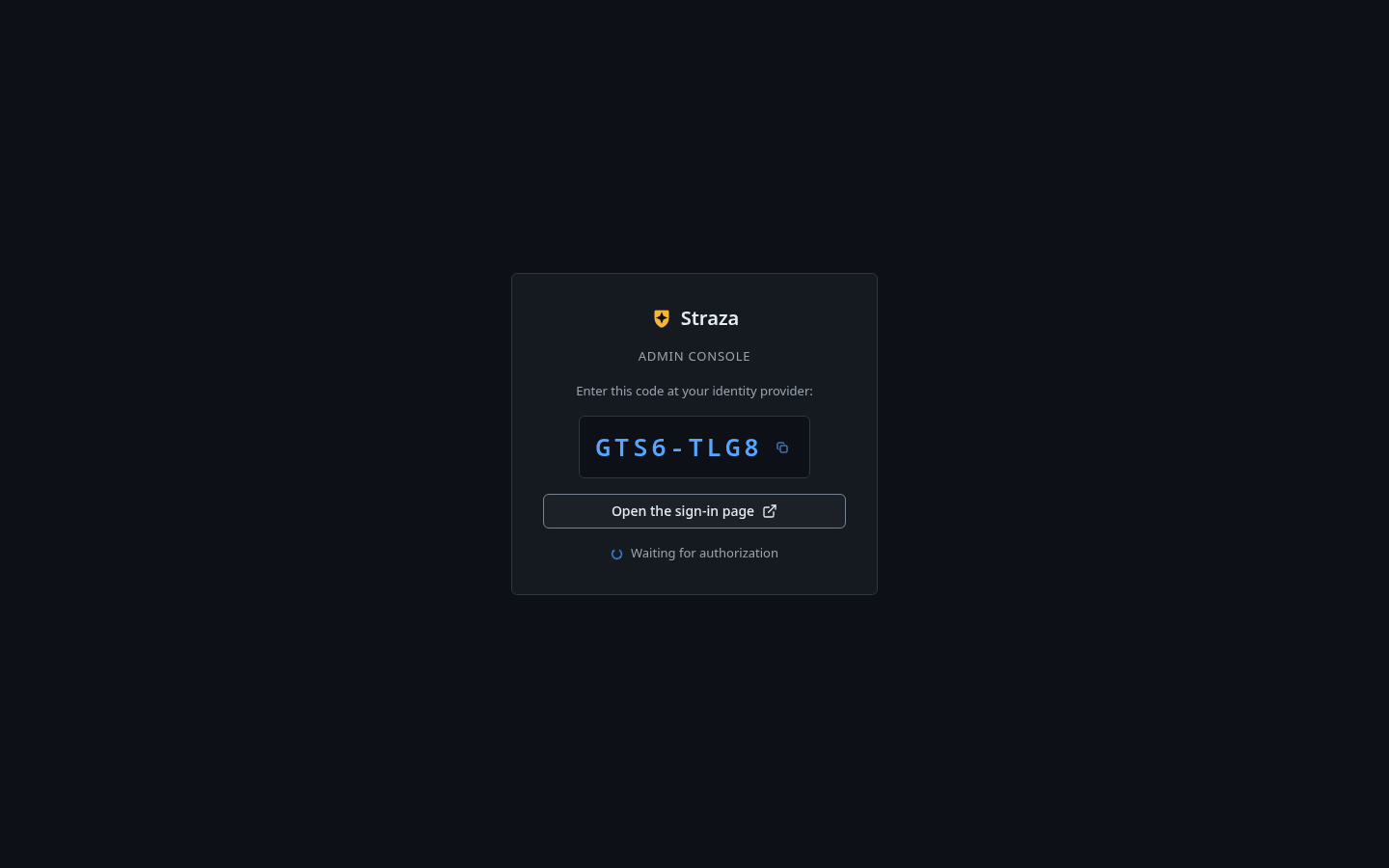
/console/and press Sign in with a code. Press Open the sign-in page, sign in at Keycloak as yourself, and confirm the code. The console admits a person who holds an admin role, and anyone else lands on the self-service page.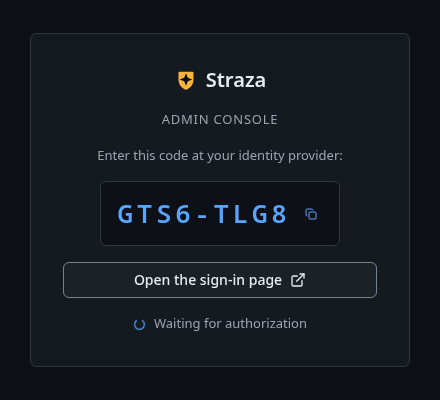
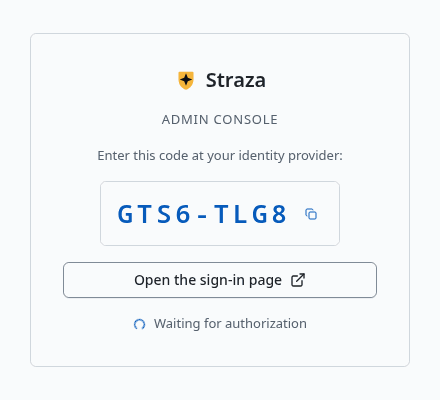
Press Open the sign-in page. Your code is different. Show the whole screen A console sign-in opens a session in the browser tab and enrolls no device. The device the next step reads comes from
strazactl loginon a workstation.curl -s http://localhost:8420/.well-known/straza/idp.jsonYou should see
Your realm as
issuerandstrazaasclient_id.{"client_id":"straza","issuer":"http://localhost:8480/realms/straza","nhi_issuer":"http://localhost:8420"}strazactl login --server http://localhost:8420The command prints an address and a code, then waits. Open the address, sign in at Keycloak as yourself and confirm the code.
You should see
Logged in as alice.with your own username.Signing in at your identity provider: http://localhost:8480/realms/straza Open http://localhost:8480/realms/straza/device?user_code=XEFW and confirm code XEFW Logged in as alice. note: this login can change Straza's configuration. Keep it away from coding agents. Automation uses an admin API token in STRAZA_API_TOKEN, and an agent proposes config changes through the built-in straza MCP server.The one-time code is cut after its first four characters. The example signed in as
alice. On success strazad checks the token in, enrolls this workstation as a device, and stores a device credential, so later sessions start without a browser. Lifetimes and timeouts says how long that credential lasts.If this fails
login timed out (device code expired)- The code was not confirmed in time. Run
strazactl loginagain and confirm the new code. Cookie not found- Keycloak shows this when the browser lost its login cookie mid-flow. On the demo stack Keycloak binds the cookie to the name
localhost, so a browser that opens the address as127.0.0.1loses it. Open the address exactly as printed.
Verify
The login left a device on your account.
- Users
- alice


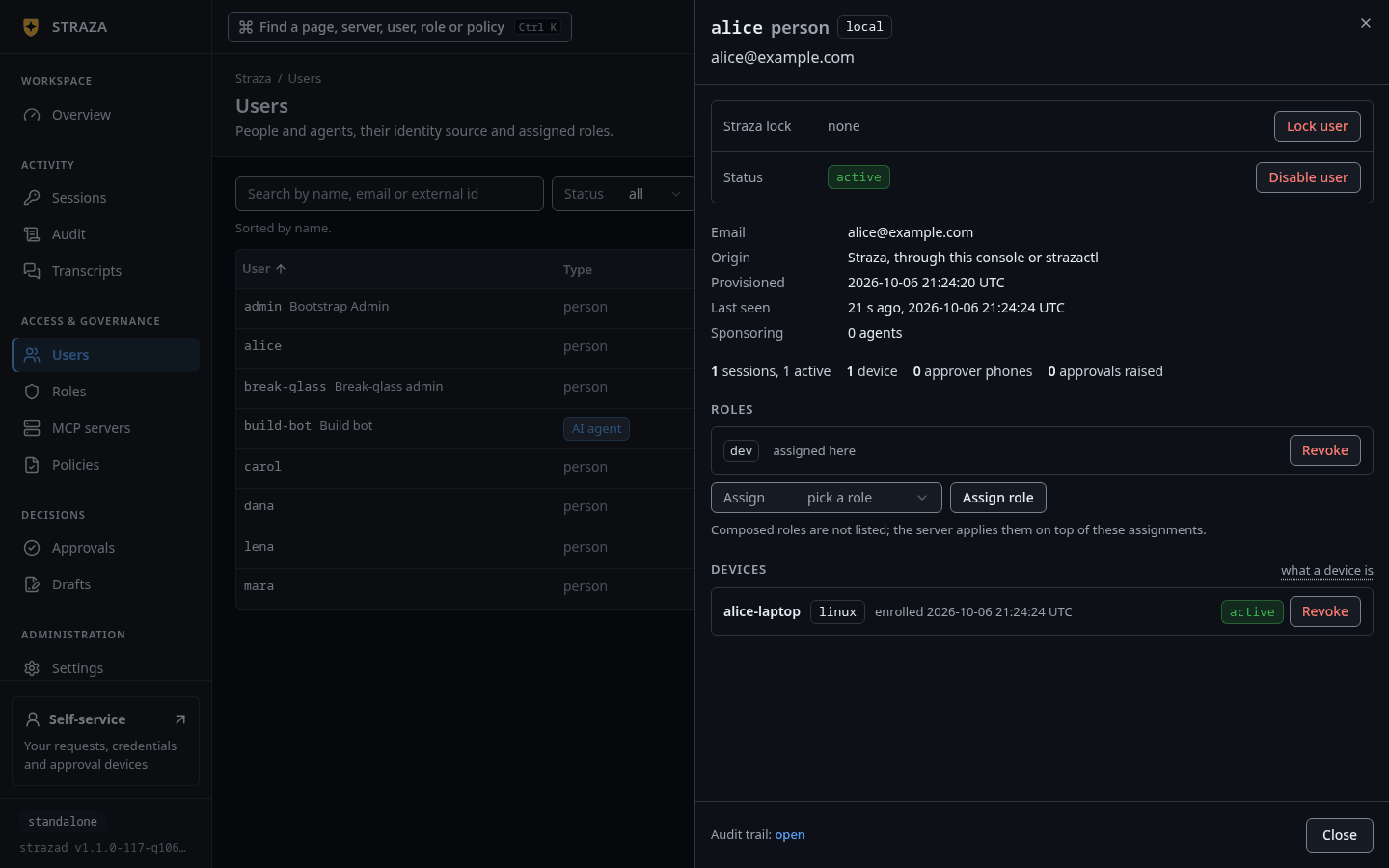
The Devices section of a user’s sheet, here with a device named alice-laptop and the badge active. Show the whole screenYou should see
Under Devices, a row named
strazactl@and the host name of your workstation, with the badgeactive.The section lists the machines that enrolled with
strazactl loginorstraza enroll. It readsNo device is enrolled.until one of them has.strazactl devices list aliceYou should see
A device named
strazactl@and the host name of your workstation.ID NAME PLATFORM STATUS ENROLLED 01a0e994-0de0-7513-84eb-3eac841ea38f strazactl@workstation linux active 2026-09-28 19:53:09The listing is trimmed to the new device, whose host name was
workstationhere. Keep its ID for the next step.Undo
Logging out ends the session, and the device credential stays valid until you revoke the device.
Sign out in the header menu ends the console’s tab session.
- Users
- alice
- Revoke
- Revoke device
Press Revoke on the device’s row under Devices, then Revoke device. Getting the device back means enrolling again with a fresh sign-in.
strazactl logoutrevokes the current session and deletes the local credentials file. Then revoke the device:strazactl devices revoke alice 01a0e994-0de0-7513-84eb-3eac841ea38fYou should see
its device credential is dead.revoked device 01a0e994-0de0-7513-84eb-3eac841ea38f of alice: its device credential is dead; re-enrolling needs a fresh login
Caveats
Disabling a person in Keycloak stops new logins and enrollments and nothing more. strazad verifies the Keycloak token at login only, and it verifies its own session tokens against its own keys. The identity manager’s SCIM deactivation cuts running Straza sessions and device credentials. A leaver flow therefore triggers both: Keycloak for the authentication cut, and SCIM for the authorization cut.
While Keycloak is down, nobody signs in through it. The break-glass admin still signs in on Straza’s own page, Emergency sign-in to Straza, and strazactl login --break-glass opens that page instead of your identity provider. Standalone and enterprise compared shows the break-glass admin in both profiles.
The demo stack’s issuer is http://localhost:8480/realms/straza, the address your browser and the command-line tools use. Containers cannot reach that address, so strazad fetches the discovery document at keycloak:8080 through oidc.discoveryUrl. Keycloak serves the token and key endpoints of that document on the internal address.
Next
- midPoint provisions the accounts that Keycloak logins then sign in to.
- Enroll a machine signs a workstation in for an agent with
straza enroll. - Identities and roles explains who exists and where each fact comes from.
Walked on v1.1.0 on 2026-09-28. A Linux container on the demo stack's host, with Keycloak 26.0 and the shipped realm import. The device flow ran from the container, and the browser step was driven headless as alice. Console screenshots show strazad v1.1.0-117-g106081a8, standalone.