Access per role
One application role reaches chosen tools of one MCP server, and you have read what its sessions see and why.
- Who
- You, as the admin
- Where
- The console or a terminal with strazactl, and the agent's machine for one check
- Profile
- Standalone and enterprise
On this page
A session’s tool catalog is an intersection. The server’s tools are capped by the manifest’s exposure and narrowed to what the session’s roles have access to. An access row opens a tool, and policy gates it: a tool a role has access to runs, unless a policy denies the call or holds it for a person. Every listed tool is still decided again on each call.
An MCP server that no role of the session has access to does not exist for that session. Calling one of its tools answers unknown tool, the same answer a misspelled name gets.
Before you start
- A login of a Straza administrator.
- An installed MCP server that runs. This page continues with the
scout-toolsserver from Add a server and a new application role,scout-tools-readers.
Create the role with its access
- Roles
- New role
- Application role
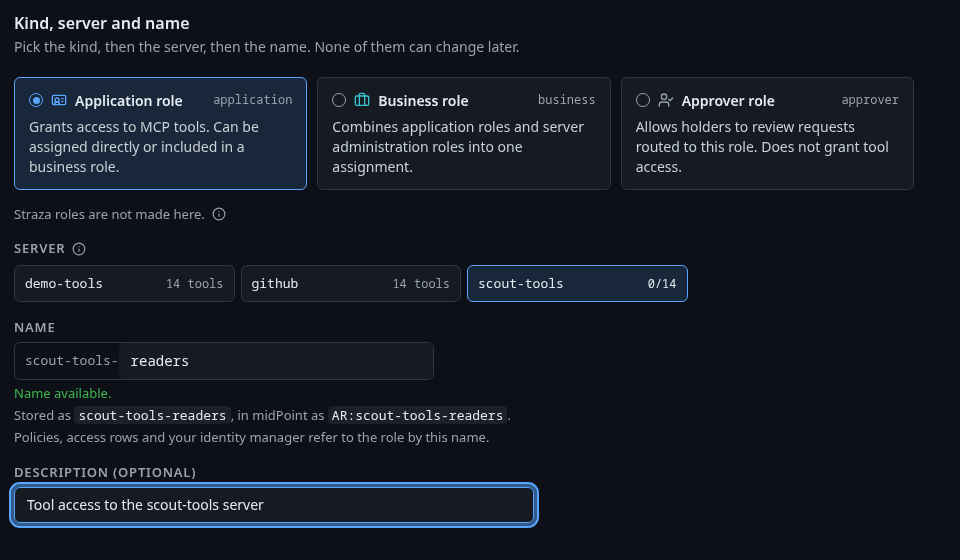
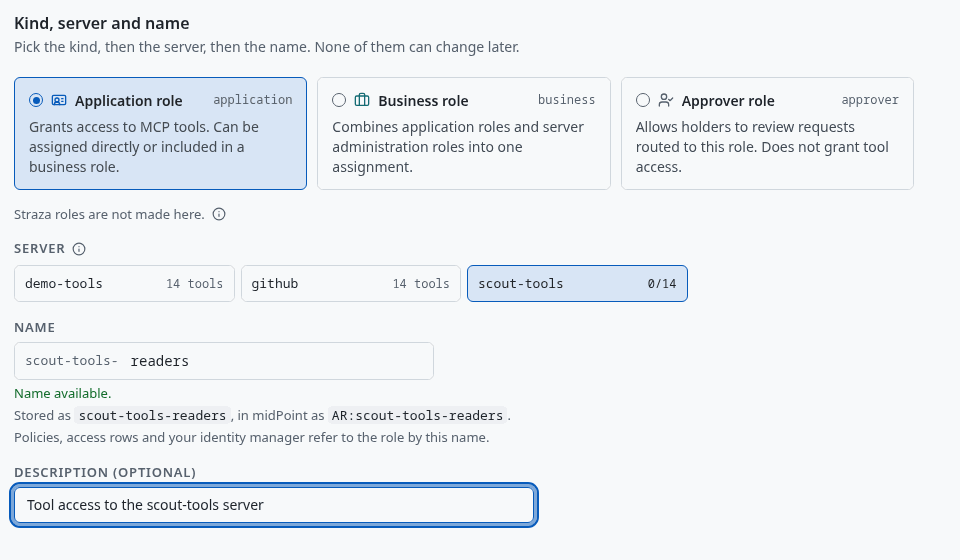
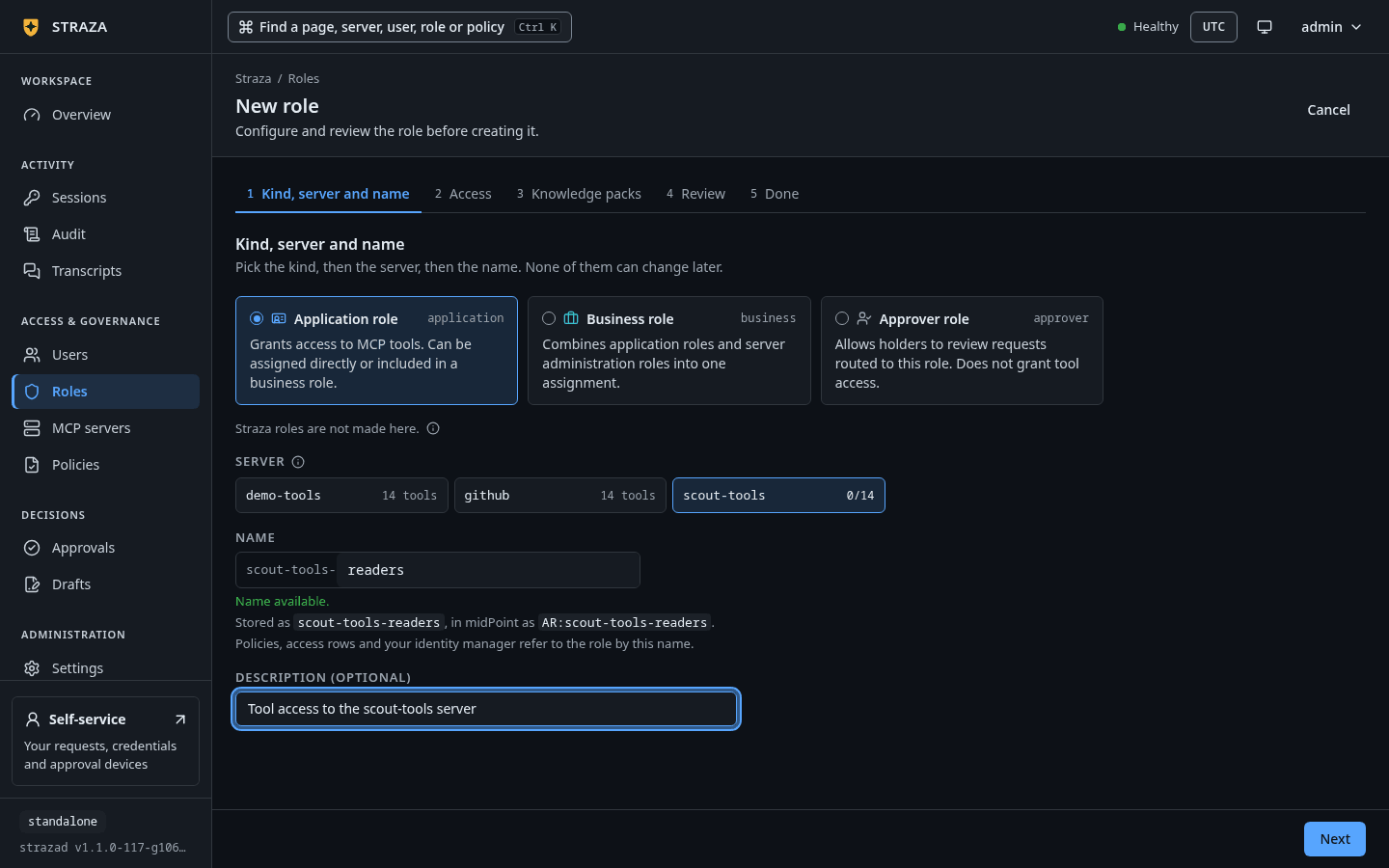
The first step with the server scout-toolspicked andreaderstyped after its name. Show the whole screenThe first step,
Kind, server and name, picks the server, then the name. The name starts with the server’s name and a hyphen, and you type the word after it, herereaders. Press Next. On Access, the question Which tools offers three answers:Answer What the access row stores Only the tools you tick the names you tick, so a tool the server gains later stays out Every tool it has today every name the server has today, so a tool it gains later stays out Every tool, and tools added later the glob *, so a new tool is reached the day it appearsTick
echoandget-sum, leave On a call onAllow every call, and press Next. Review shows what the role reaches and holds the same role as commands in the foldThe same role as strazactl commands. Press Save and publish.A server’s page offers the same door: open the server, its tab Server roles, and Add role.
Create the role on the server in one step, with the tools it reaches by name. Its name is the server’s name, a hyphen and a word of your own:
strazactl roles create scout-tools-readers --app scout-tools --tools echo,get-sum --description "Tool access to the scout-tools server"You should see
created role scout-tools-readers (01a1130c-626e-708c-b1d3-3ff9344e3351) on the server scout-tools, with an id of your own.--toolsis required with--app, because the command takes no silent default.--tools '*'stores the glob, which means every tool, including tools added later.Access attaches to roles of the
applicationkind. An application role that reaches a server belongs to that server, so the identity manager shows it as that server’s role. Only a global admin may give the glob. A server’s own admin names the tools one by one. A name that does not begin with the server’s name and a hyphen is refused, and so is a kind other than application. People who work with two servers hold a business role that composes one application role per server. An application role made in the CLI without--appbelongs to no server and is there for policy rules only, so a new access row for it is refused.Preview what the role sees
- Roles
- scout-tools-readers
- Access
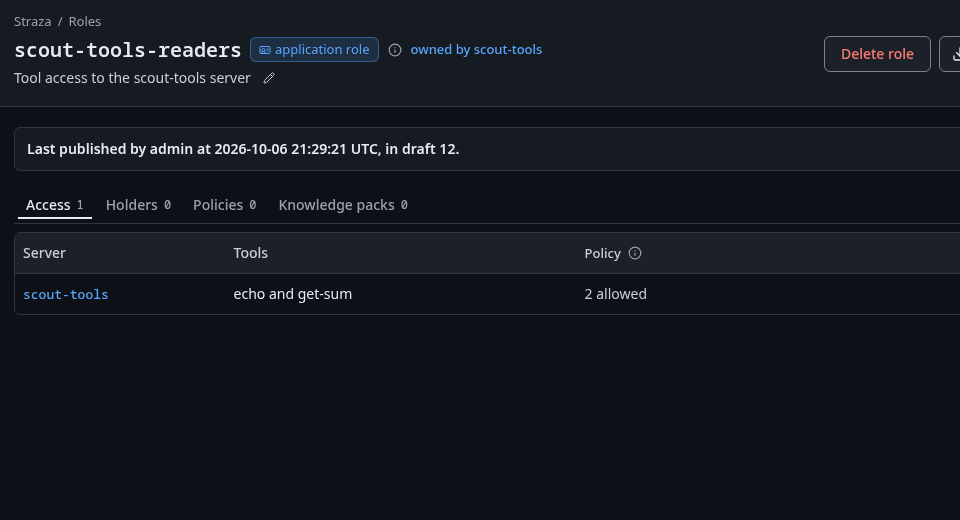
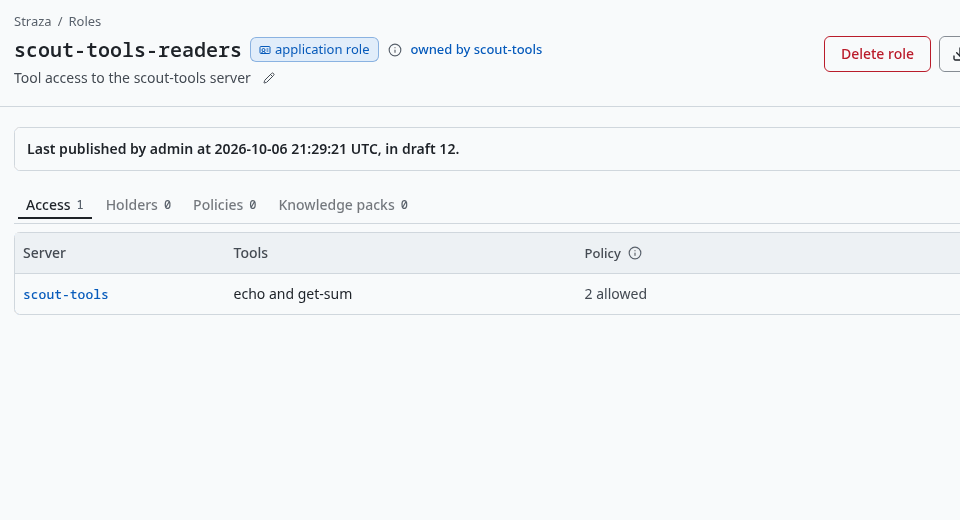
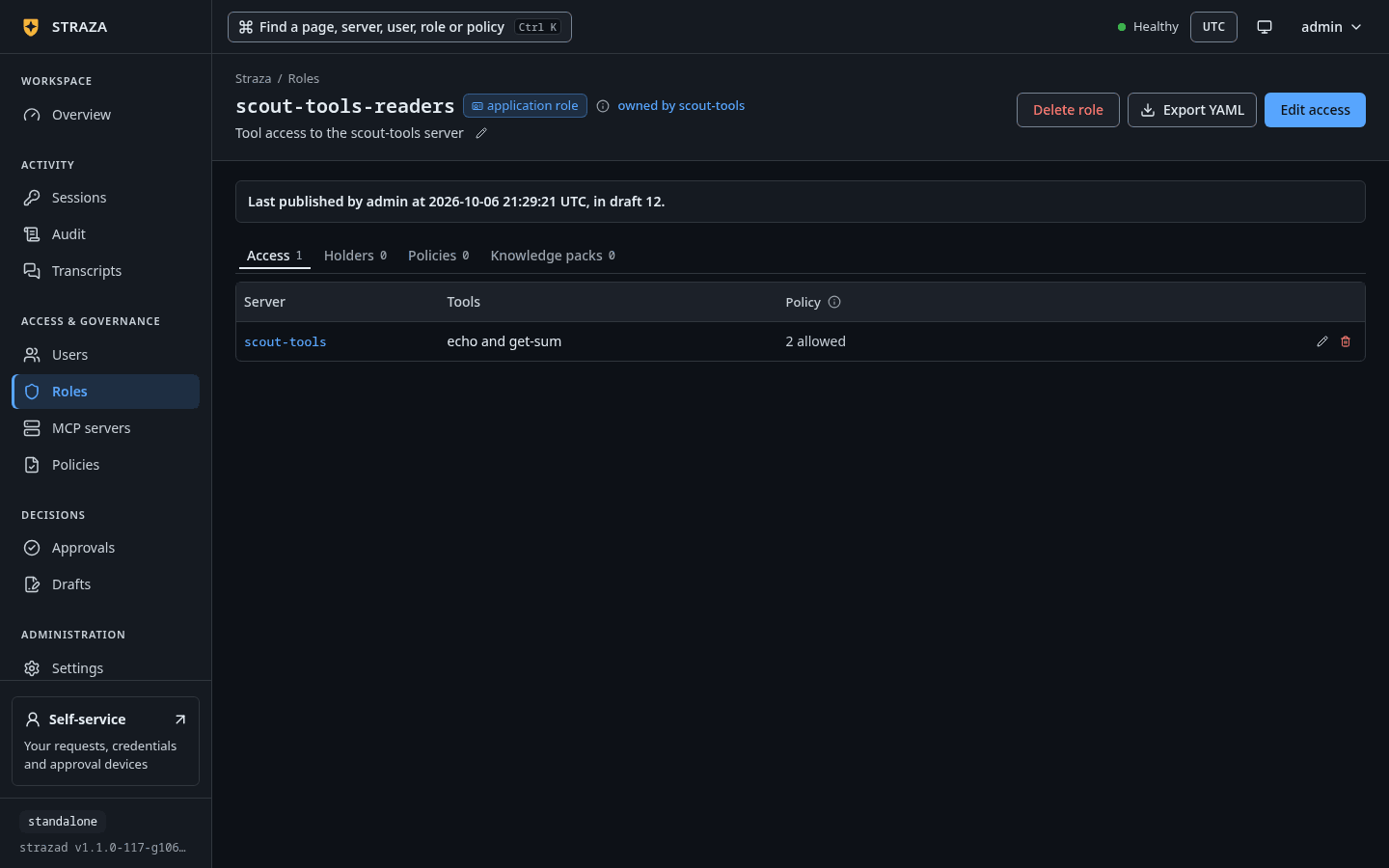
The Access tab of scout-tools-readers, with one row for scout-tools, its tools and how they run. Show the whole screen The Access tab has one row per server the role reaches, with the columns Server, Tools and Policy. Its Policy column says how each tool runs for the role.
The preview builds the catalog for a hypothetical holder of the role, without a session. One row per tool or server carries a status for scripts and a reason for people:
strazactl catalog preview --role scout-tools-readerssubject: roles=scout-tools-readers SERVER TOOL STATUS REASON demo-tools no_binding no role of this subject has access to this server scout-tools echo visible has access, no policy gates it scout-tools get-env matcher_miss not in the role's access row on this server scout-tools get-sum visible has access, no policy gates itOnce the policy set of step 4 exists,
approve_gatedreads “has access; scout-tools-readers-access, rule scout-tools-get-sum-approve, holds it for the person behind the agent up to 90 s”.hidden_policyshows the reason of the rule that denies the tool, or “Straza: blocked by policy rule scout-tools-readers-access/block-get-env” when the rule gives none. A server the role reaches with no tool list yet yields one server-levelnot_runningrow, such as “has access, but the server is degraded: requires a credential and none is stored”.Misspell the role and the preview says so above the table: “no role named scout-tools-reader exists; this preview is for a hypothetical subject.”
--rolefollows the roles that role composes, so asking for a business role shows what the application roles it composes reach.--appfilters to one server.Assign the role
The access row is only the server side of the setup. A real session sees the tools once its person or agent holds the role. In a deployment fed by your identity manager, the assignment comes over SCIM instead.
- Users
- alice
- Assign
- scout-tools-readers
- Assign role
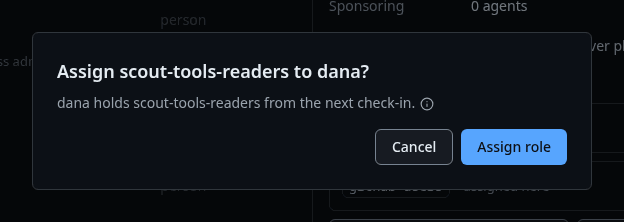
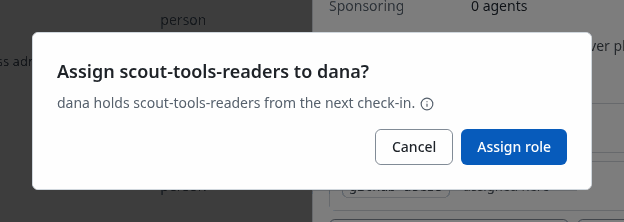
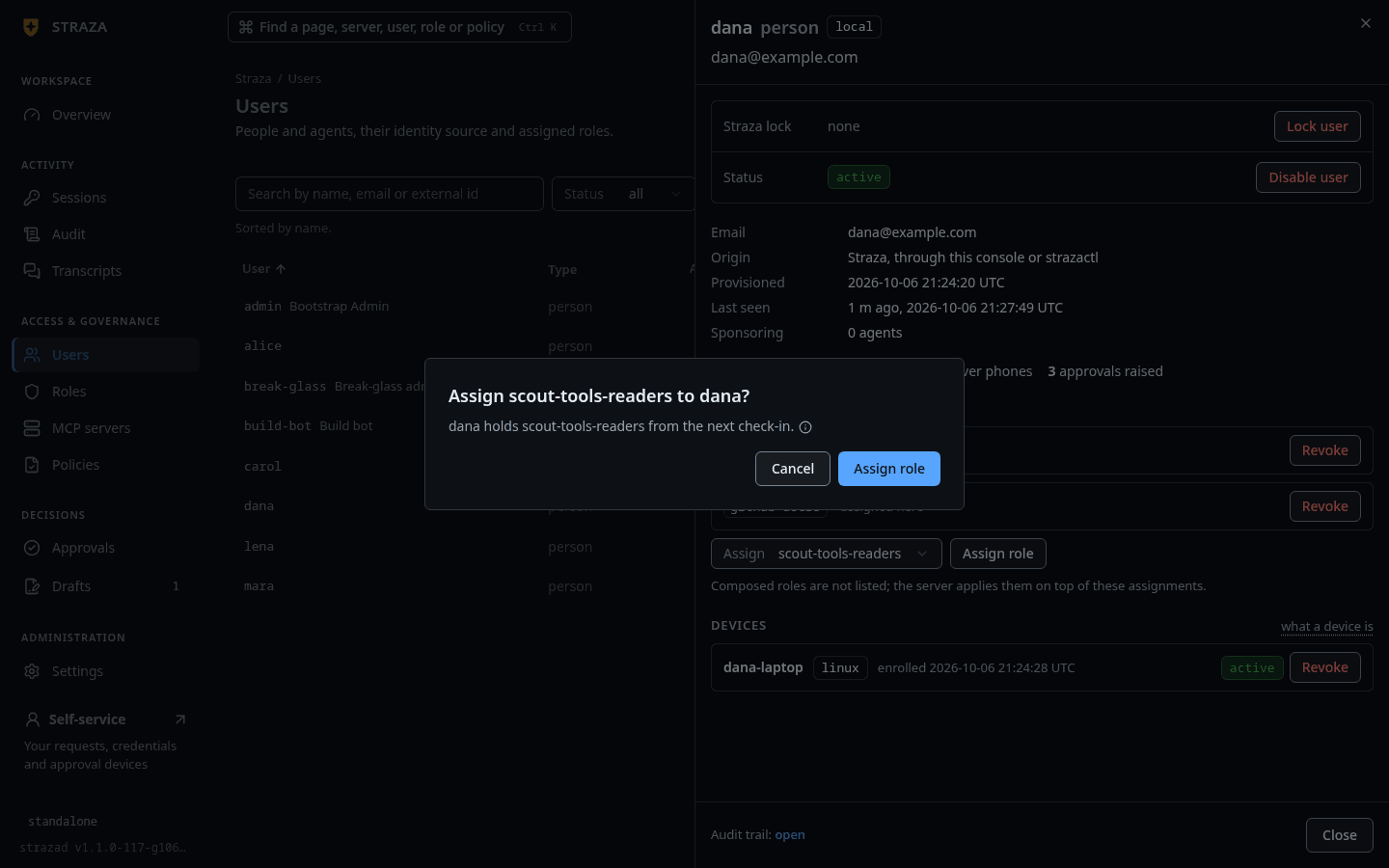
The question that confirms the assignment, asked here for dana, who holds the role from her next check-in. Show the whole screen Put the holder’s name in place of
alice.Put the holder’s username in place of
<username>. The second command resolves that holder’s actual roles:strazactl assign scout-tools-readers --user <username> strazactl catalog preview --user <username> --app scout-toolsGate a tool in policy
No allow rule is needed for a tool a role has access to. A rule is written when a tool needs approval, a deny or a record. A call that needs approval is a hold or a ticket, and the person behind the agent or an approver role decides it.
- Roles
- scout-tools-readers
- Edit access
- Choose per tool
- require approval
- Save and publish
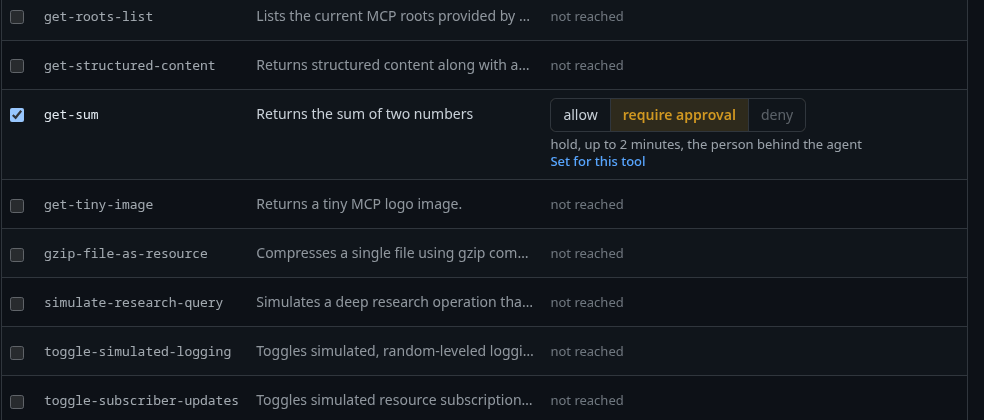
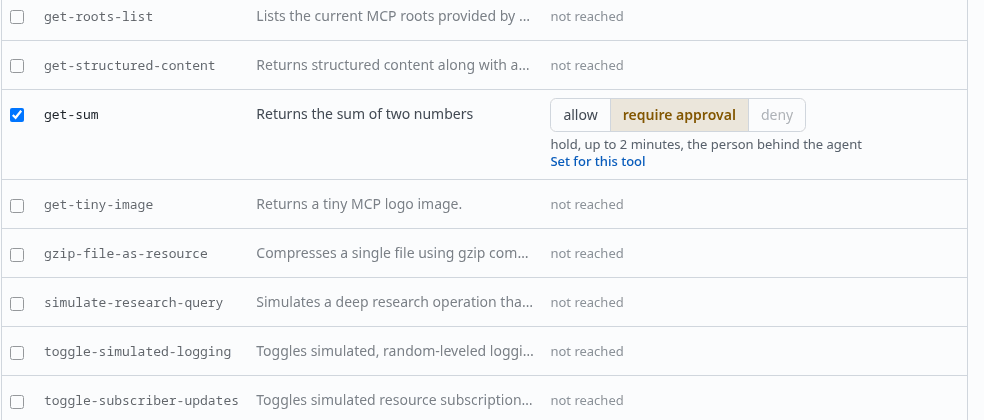
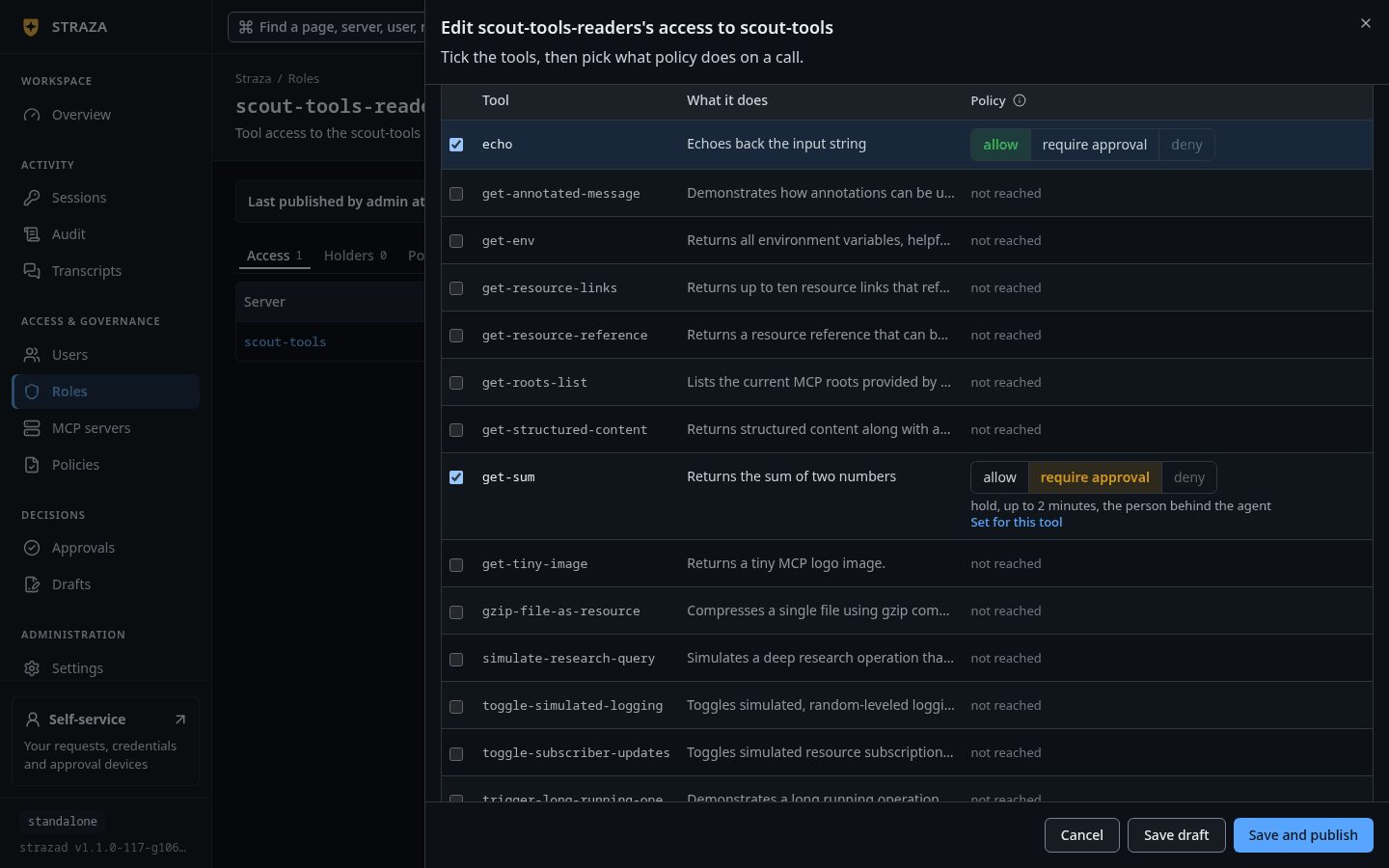
The row of get-sumunder Choose per tool, set to require approval with a hold of up to 2 minutes. Show the whole screenOn a call offers
Allow every call,Require approval for every callandChoose per tool. Under Choose per tool, pick require approval on the row ofget-sum. The console writes the rule into the role’s own policy set,scout-tools-readers-access, in the same draft as the access row. Opening the editor again reads those rules back, so a choice is changed where it was made.A policy set written by hand holds
get-sumfor the person behind the agent the same way:cat > scout-tools-readers-access.yaml <<'EOF' apiVersion: straza.dev/v1beta1 kind: PolicySet metadata: name: scout-tools-readers-access description: The policy set of scout-tools-readers. Gates for the tools it has access to. spec: priority: 50 match: roles: [scout-tools-readers] rules: - id: scout-tools-get-sum-approve events: [tool.pre] tools: [mcp.call] apps: [scout-tools] toolNames: allow: ["get-sum"] effect: allow mode: approve approve: timeoutSeconds: 90 reason: "Straza: get-sum needs approval" EOF strazactl policy apply -f scout-tools-readers-access.yaml strazactl policy activate scout-tools-readers-accessapplied scout-tools-readers-access (Off, 01a11310-297d-7497-9498-37eae8d8a0a1) published scout-tools-readers-access, it is live now; new snapshot 2fdd5bd3fa40c80a473c78baad285eddb87e7e47e8905643b9ddc5c88a93ed35An
approveblock with norolesroutes the request to the person behind the agent: an agent’s sponsor, or the person who runs their own agent. To deny a tool instead, writeeffect: denywith a reason, and the preview reports it ashidden_policywith that reason. Your first deny writes such a rule.Read a live session’s list
CLI onlyThis check runs on the agent’s enrolled machine.
An enrolled agent holding the role asks the gateway for its tools and gets exactly the set it has access to, each name prefixed with the server:
{ printf '%s\n' \
  '{"jsonrpc":"2.0","id":1,"method":"initialize","params":{"protocolVersion":"2025-06-18","capabilities":{},"clientInfo":{"name":"docs-example","version":"1"}}}' \
  '{"jsonrpc":"2.0","method":"notifications/initialized"}' \
  '{"jsonrpc":"2.0","id":2,"method":"tools/list"}' \
  '{"jsonrpc":"2.0","id":4,"method":"tools/call","params":{"name":"demo-tools__echo","arguments":{"message":"not in my catalog"}}}'; sleep 5; } \
  | straza mcp --harness claude-code
{"jsonrpc":"2.0","id":2,"result":{"tools":[{"description":"Echoes back the input string","name":"scout-tools__echo", ...},{"description":"Returns the sum of two numbers","name":"scout-tools__get-sum", ...}]}} {"jsonrpc":"2.0","id":4,"error":{"code":-32602,"message":"unknown tool \"demo-tools__echo\""}}A
sleepholds the pipe open while the replies come back, because the proxy stops when its input ends. The initialize reply and the input schemas are trimmed from the output. On the demo stackdemo-toolsis running, and to this session it does not exist. A role’s agents cannot discover what they are not given, and the cost is that a missing access row shows up as a missing tool rather than a deny with a reason. A call toscout-tools__echoruns, and its audit record reads effect allow, allowed by the access row of scout-tools-readers, with no rule.Verify
The role’s SCIM rendering carries the same computed access, so an identity manager certifying the role sees
"tools":["scout-tools:echo","scout-tools:get-sum"]and"policies":["scout-tools-readers-access"]under its extension, beside"server":"scout-tools", the server the role belongs to.- MCP servers
- scout-tools
- Tools
The Tools tab lists every tool of the server with what it does, the roles that reach it and what policy does to a call.
strazactl apps showreads the whole server. Below it is shown after the steps of Credentials and of this page:strazactl apps show scout-toolsscout-tools: running (remote runtime, source api, version 0) checked: 8s ago, last healthy 8s ago tools: 3: echo, get-env, get-sum reached by: scout-tools-readers admin role: mcp-admin-scout-tools (its holders administer this server and no other) ACCESS ID ROLE TOOLS HOW THEY RUN 01a1130c-626e-73e7-aafc-008a38fdcf7c scout-tools-readers echo, get-sum echo runs, get-sum needs approval (scout-tools-readers-access) SECRETS SCOPE ROLE KIND FINGERPRINT SET app - static 19c6 2026-10-06T21:12:24Z role scout-tools-readers static f0b5 2026-10-06T21:12:24Zstrazactl bindings listshows every access row with its id. To keep a role’s access in a reviewed file,strazactl roles export scout-tools-readersprints the role as a Role document with its access row, andstrazactl drafts create -f scout-tools-readers.yamlproposes the edited file as a draft, which a person then publishes. In the console, Export YAML on the role’s page writes the same file.
Undo
Remove the access row, and the role’s preview falls back to no_binding for the server. The removal is an audit record with the actor, the role and the tools.
- Roles
- scout-tools-readers
- Access
- Remove access
- Remove access
The dialog says scout-tools-readers loses every tool of scout-tools in every live session. To delete the role itself, press Delete role on its page and confirm with Delete role.
Remove the access row by its id:
strazactl apps unbind 01a1130c-626e-73e7-aafc-008a38fdcf7c
strazactl catalog preview --role scout-tools-readers --app scout-tools
removed scout-tools-readers's access to scout-tools
subject: roles=scout-tools-readers
SERVER TOOL STATUS REASON
scout-tools no_binding no role of this subject has access to this serverstrazactl apps bind gives the role its one access row on the server back. Without --tools the row is every tool, including tools added later, which only a global admin may give:
strazactl apps bind scout-tools --role scout-tools-readers --tools echo,get-sumIt answers gave scout-tools-readers access to scout-tools: echo, get-sum. They run unless a policy gates them. Assign the role on Users or through your identity manager. To change the tools of a row that exists, edit spec.bindings in the output of strazactl roles export scout-tools-readers and propose that file with strazactl drafts create -f.
strazactl roles delete scout-tools-readers asks once, then removes the role. --yes skips the question for scripts.
Deleting the role removes its assignments and access rows. It also turns off every live policy set whose match names only that role, since such a set would match nobody, and names each one in its answer. The delete answers 409 while a live policy set names the role in approve.roles, with the set and the fix in the sentence. A product role, one whose name begins with straza-, answers 409 as well and is never deleted, so take a holder’s access away by removing their assignment.
Caveats
The server logs “gateway tool catalog is large. Consider tightening this role’s access rows” when a role’s catalog passes apps.catalog.warnSize, 100 tools by default, and serves the list in pages of apps.catalog.pageSize, 200 by default. A role with access to every tool of every server is a sign that the access row, and the role, are too broad.
Next
The apps directory keeps server manifests under version control.
Walked on v1.1.0-117-g106081a8 on 2026-10-06. A throwaway standalone server in an Alpine container on Linux, with the demo stack's MCP reference server installed as demo-tools and as scout-tools, strazactl on an admin API token minted in the console, and the live session made through straza mcp from the enrolled machine of alice, who holds scout-tools-readers alone. Every CLI step ran, apps bind included. The console steps were read from the console's source and not clicked. Console screenshots show strazad v1.1.0-117-g106081a8, standalone.