Headless agents
An AI agent with no person at the keyboard holds a key of its own, enrolls without a browser, and has a destructive command denied by your policy.
- Who
- You, as the admin
- Where
- The console or a terminal with strazactl, and a terminal on the agent's machine
- Profile
- Standalone and enterprise
On this page
You give an AI agent that runs with no person at the keyboard, such as a build job or an always-on service, a key of its own. You work as the admin on the server, and in a terminal on the agent’s machine. At the end, the agent enrolls without a browser, and your Straza policy has denied it a destructive command.
The agent holds a local Ed25519 key, and you register the matching public key on the agent’s identity. At each session start the agent signs a fresh short-lived token with that key and checks in without a device or a browser. The key is the durable credential, so there is no long-lived bearer token to steal.
Before you start
- The
strazabinary on the agent’s machine. - An admin login to your Straza server, in the console or in
strazactl. - A role to assign the agent. The example assigns the seeded
developerrole of the demo stack onhttp://127.0.0.1:8420. A standalone server has nodeveloperrole, and the agent needs none there, because the seededstandalone-starterPolicySet governs every identity, one with no roles included. - For the
curlcalls, an admin API token inADMIN_API_TOKEN, minted withstrazactl api-token create --name docs --scope identity:read,identity:write. The token belongs to a person and never to the agent, because an AI agent is refused on every admin route, whatever role it holds.
Create the agent identity
When an identity manager feeds your server, it creates the identity and gives it its roles, as AI agents as identities shows. In that case, start at Generate the agent’s key. Assigning a role here whose membership the identity manager writes is drift, and the identity manager’s next full write of that role’s membership removes it.
CLI onlyThe console has no way to add a user, because identities arrive over SCIM or through
strazactl.Otherwise, create an agent user yourself. The
kindisnhi, the same signal the identity manager carries over SCIM. Setuser_typetoagentfor an AI agent that acts for a person, or toservicefor a technical account with no agency. When the field is left out, the server storesagent.curl -s -X POST http://127.0.0.1:8420/v1/admin/users \ -H "Authorization: Bearer $ADMIN_API_TOKEN" -H 'Content-Type: application/json' \ -d '{"username":"build-bot","kind":"nhi","user_type":"agent","display":"Build bot"}'You should see
The new identity’s
id, which the key step needs.{"id":"01a1130a-fadc-7627-8b54-0a9646ce1d5a","username":"build-bot","status":"active","kind":"nhi"}The response is trimmed here to those four fields.
strazactl users create-nhi build-bot --type agentcreates the same identity from a terminal. A standalone server has no identity manager feeding it, so one of these two is how its agent identities are made.Assign the agent a role
On the Users screen, open build-bot’s sheet, pick the role under Assign, press Assign role, and confirm.
- Users
- build-bot
- Assign
- developer
- Assign role
- Assign role
You should see
build-bot holds developer now.Log in to
strazactlas an admin, or put the token inSTRAZA_API_TOKEN.strazactl assign developer --user build-botYou should see
assigned developer to build-botThe identity then shows
effective_roles["demo-tools-sandbox","developer","midpoint-self-service","views-demo-tools"], becausedevelopercomposes the other three. On a standalone server, skip this step, or assign a role you created withstrazactl roles create.Generate the agent’s key
CLI onlyThe key is made in a terminal on the agent’s machine.
On the agent’s machine, run
straza keygen. The private half never leaves the machine. The command prints the public half and the exact registration line an administrator runs.straza keygen --user build-botYou should see
The public key, and the
strazactl users nhi-key setline that registers it.NHI key generated (private half stays in /root/.straza/state/nhi-key.json). Public key: hQBJfQNxXQUSn4d9TR+Oso8k8NTcgHoGgZv2ufDnKzk= An administrator registers it with: strazactl users nhi-key set build-bot hQBJfQNxXQUSn4d9TR+Oso8k8NTcgHoGgZv2ufDnKzk= (or: PUT /v1/admin/users/{id}/nhi-key {"public_key":"hQBJfQNxXQUSn4d9TR+Oso8k8NTcgHoGgZv2ufDnKzk="}) Then enroll headless: straza enroll --server <strazad-url> --headless --user build-botRegister the public key
Register the public half on the agent’s identity. Each agent has one key, so registering again rotates it. A human identity is refused outright.
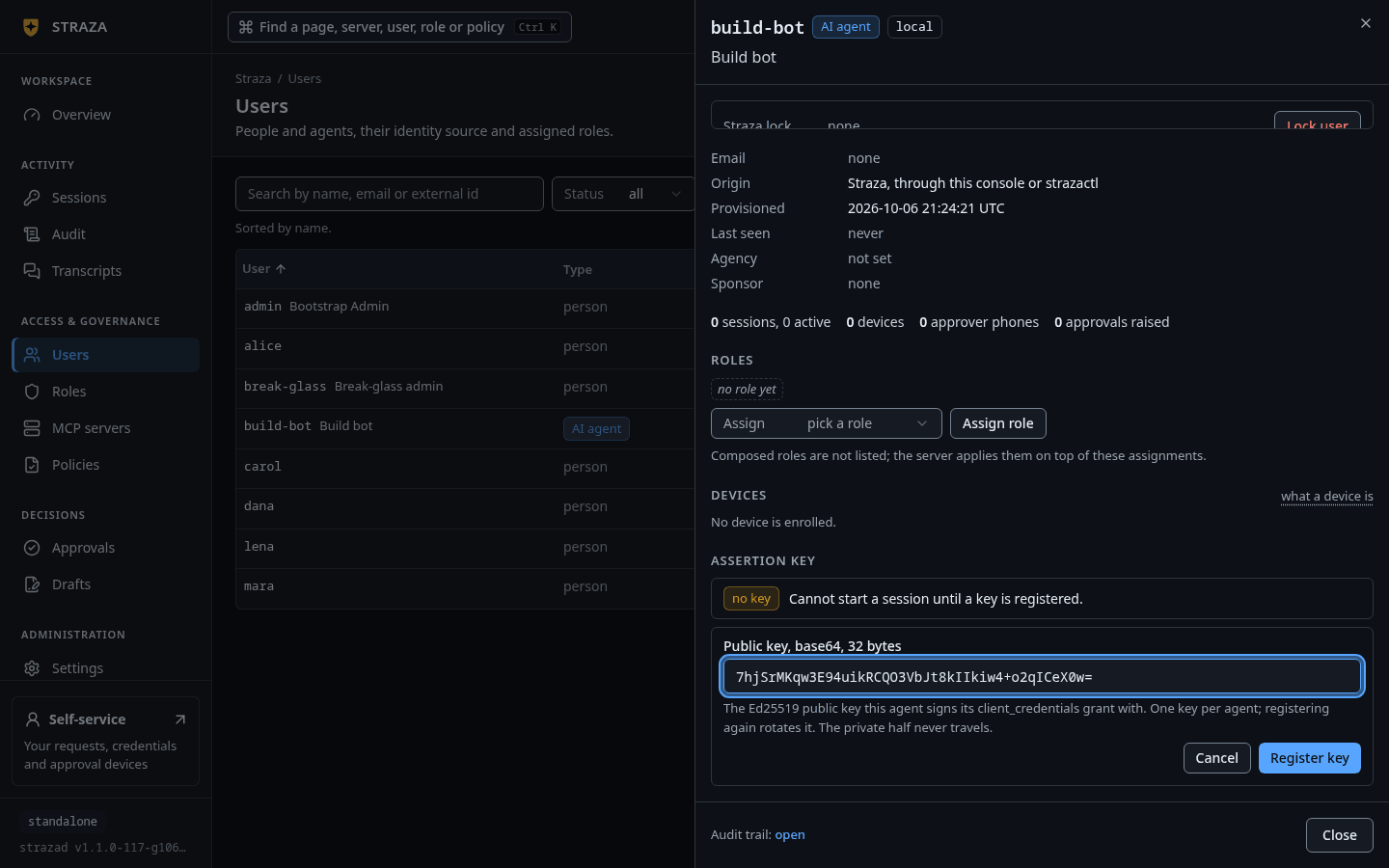
On build-bot’s sheet, the Assertion key section says
Cannot start a session until a key is registered.Press Register key, paste the public key under Public key, base64, 32 bytes, and press Register key again.- Users
- build-bot
- Register key
- Register key
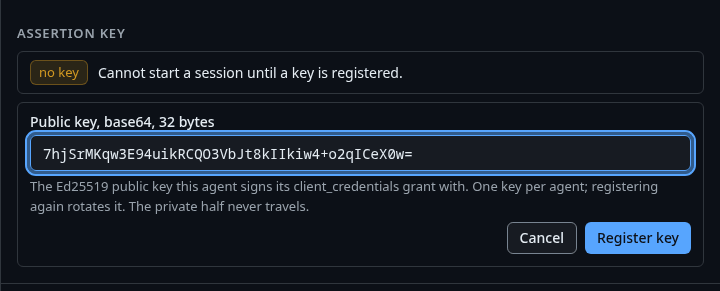
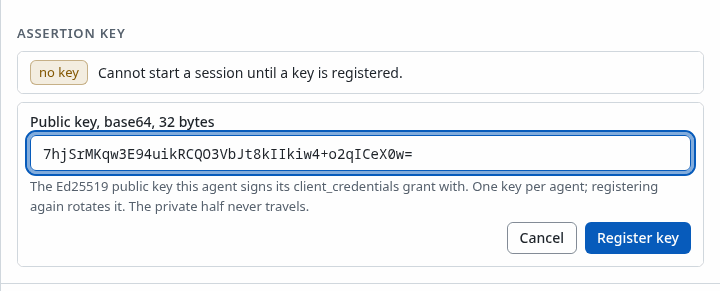
The Assertion key section of build-bot, with the public key pasted and Register key. Show the whole screen You should see
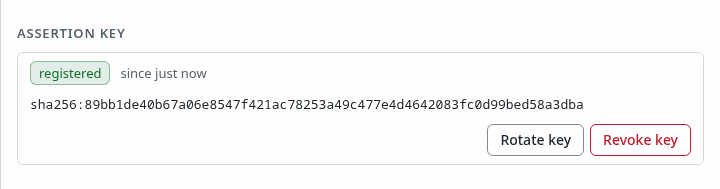
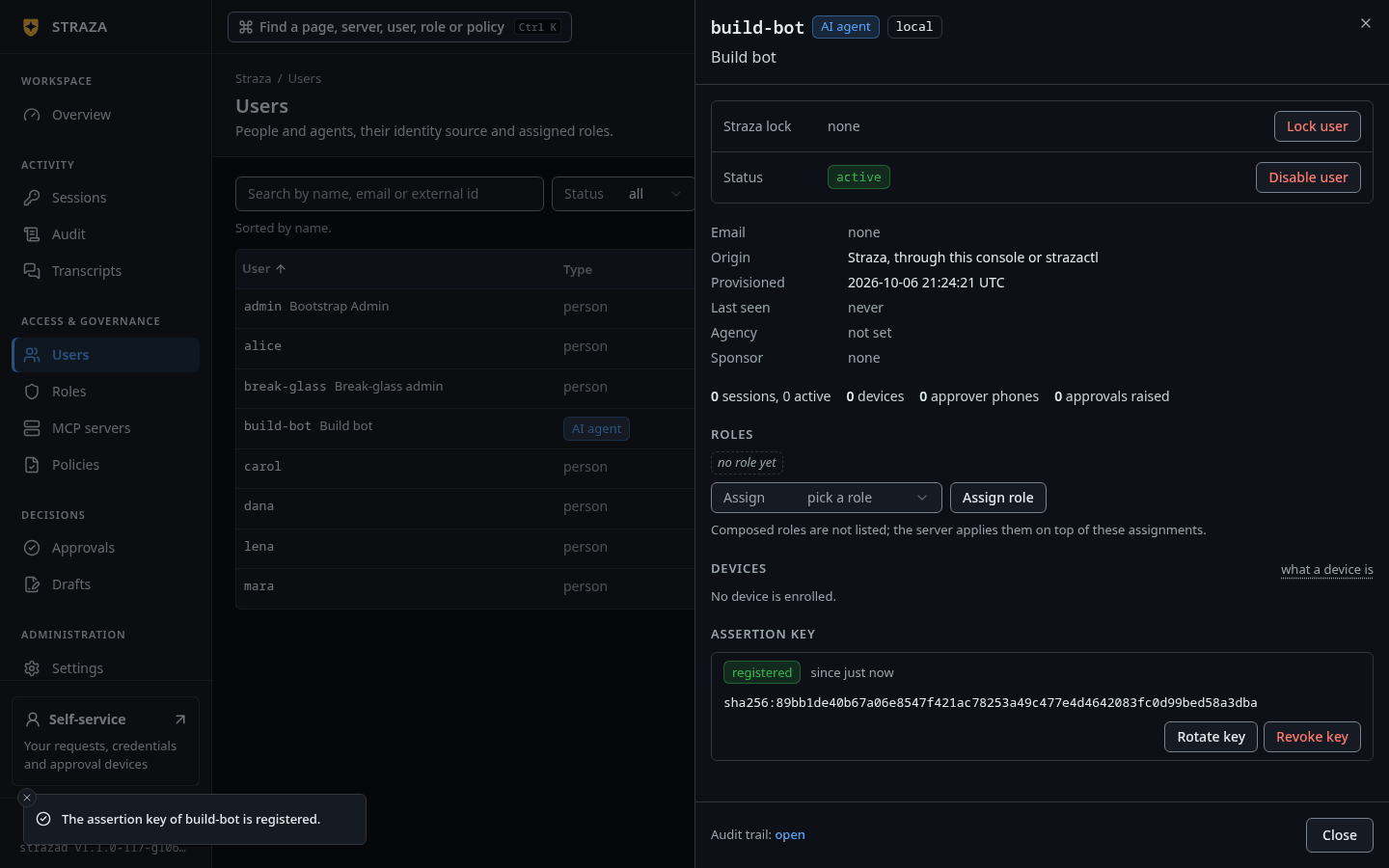
The assertion key of build-bot is registered.The section then showsregisteredand the key’s fingerprint.Run the
strazactl users nhi-key setline that keygen printed, or call the API with the identity’sid:curl -s -X PUT http://127.0.0.1:8420/v1/admin/users/01a1130a-fadc-7627-8b54-0a9646ce1d5a/nhi-key \ -H "Authorization: Bearer $ADMIN_API_TOKEN" -H 'Content-Type: application/json' \ -d '{"public_key":"hQBJfQNxXQUSn4d9TR+Oso8k8NTcgHoGgZv2ufDnKzk="}'You should see
"status":"set"and the identity’s id.{"status":"set","user_id":"01a1130a-fadc-7627-8b54-0a9646ce1d5a"}A
GETon the same path reports the posture,registered: truewith the created time and asha256:fingerprint, and never the key itself.Enroll the agent
CLI onlyEnrolling runs on the agent’s machine.
Enroll headless on the agent’s machine. There is no browser and no device. The command proves the key works by minting a token, pins the keys that verify policy snapshots, and reports that sessions are deviceless.
straza enroll --server http://127.0.0.1:8420 --headless --user build-botYou should see
Enrolled headless as build-bot, followed by a note that sessions are deviceless.Enrolled headless as build-bot (nhi-key; sessions are deviceless, and the local credential mints each session's token).Prove a governed call
CLI onlyThe proof runs on the agent’s machine.
Run one safe and one destructive command through the wrapper. The session starts from the key with no interaction.
straza exec -- date
straza exec -- rm -rf /tmp/probe
You should see
The date, then the policy’s reason for the deny. The
rm -rfline exits 2.Sat Sep 19 10:33:01 UTC 2026 Straza: destructive command denied by the agent guardrailsAgainst a standalone server, the denied line carries the reason of the seeded
standalone-starterPolicySet,Straza starter policy: recursive force-delete is denied. Delete files individually, or an admin can edit the standalone-starter PolicySet.On the demo stack, the always-onagent-samcontainer runs as the AI agentsam-sre-agentand enrolls the same way at boot. Its logs show the signed assertion accepted, a deviceless check-in, and a destructive command denied with the same reason.Check the agent’s setup with the doctor.
straza doctorYou should see
An identity line that reads
build-bot: headless AI agent enrollment (nhi-key lane), sessions are deviceless.That line confirms there is no device credential to check, because the key mints each token.
straza statusshows the live session, its roles and the snapshot once a call has run.
Retire the agent
To retire the agent, soft-delete the user with DELETE /v1/admin/users/{id}. Neither the console nor strazactl has this. The delete revokes its sessions, ends its assignments, and removes its assertion key and per-user OAuth grants, with audit records for the changes.
To stop new sessions and keep the identity, revoke only the key.
- Users
- build-bot
- Revoke key
- Revoke key
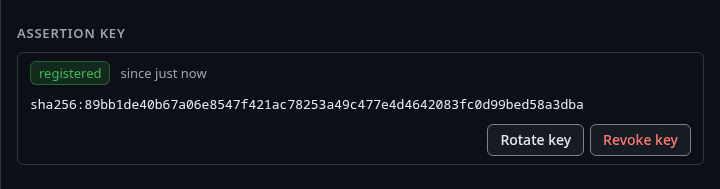
The dialog says build-bot can no longer mint sessions with the client_credentials grant.
strazactl users nhi-key unset build-botThe API form is DELETE /v1/admin/users/{id}/nhi-key.
Revoking the key does not end the sessions that already run. To stop current access and keep the identity, revoke the sessions or the user, as the Kill-switch runbook shows.
Protect the key
The key file is the agent’s durable secret. Protect it as you would a password, and rotate it by registering a new public key. Humans are excluded from this grant on purpose, so a stolen key can never become a password-equivalent human login.
An enterprise server offers two ways to enroll an agent. One is a per-agent key at the built-in issuer, as on this page, which needs no identity-provider step. The other is the identity provider’s own client-credentials grant, with a client id and secret, and then that secret is the durable credential. A standalone server has only the key, because the built-in issuer is the only issuer there.
Next
- AI agents as identities provisions agents from your identity manager.
- Hookless processes runs the agent inside the sandbox image, where the wrapper is the only way to run a process.
- Who may draft and publish shows how an agent proposes a config change. It uses the drafting tools of the built-in
strazaapp, which the gateway lists to holders of thestraza-draft-configrole, and a person publishes the draft. - Identities and roles explains the identity model behind people and agents.
Walked on v1.1.0-117-g106081a8 on 2026-10-06. An Alpine 3.20 container against a standalone server, where every curl and strazactl step ran with the page's admin API token and the assign step ran on a developer role made with strazactl roles create, while the console forms were checked against the console's source and not clicked, and the demo stack's role list was read there and its guardrails reason and wrapper output come from its seed policy and the walk of 2026-09-19, because the demo stack takes no writes. Console screenshots show strazad v1.1.0-117-g106081a8, standalone.